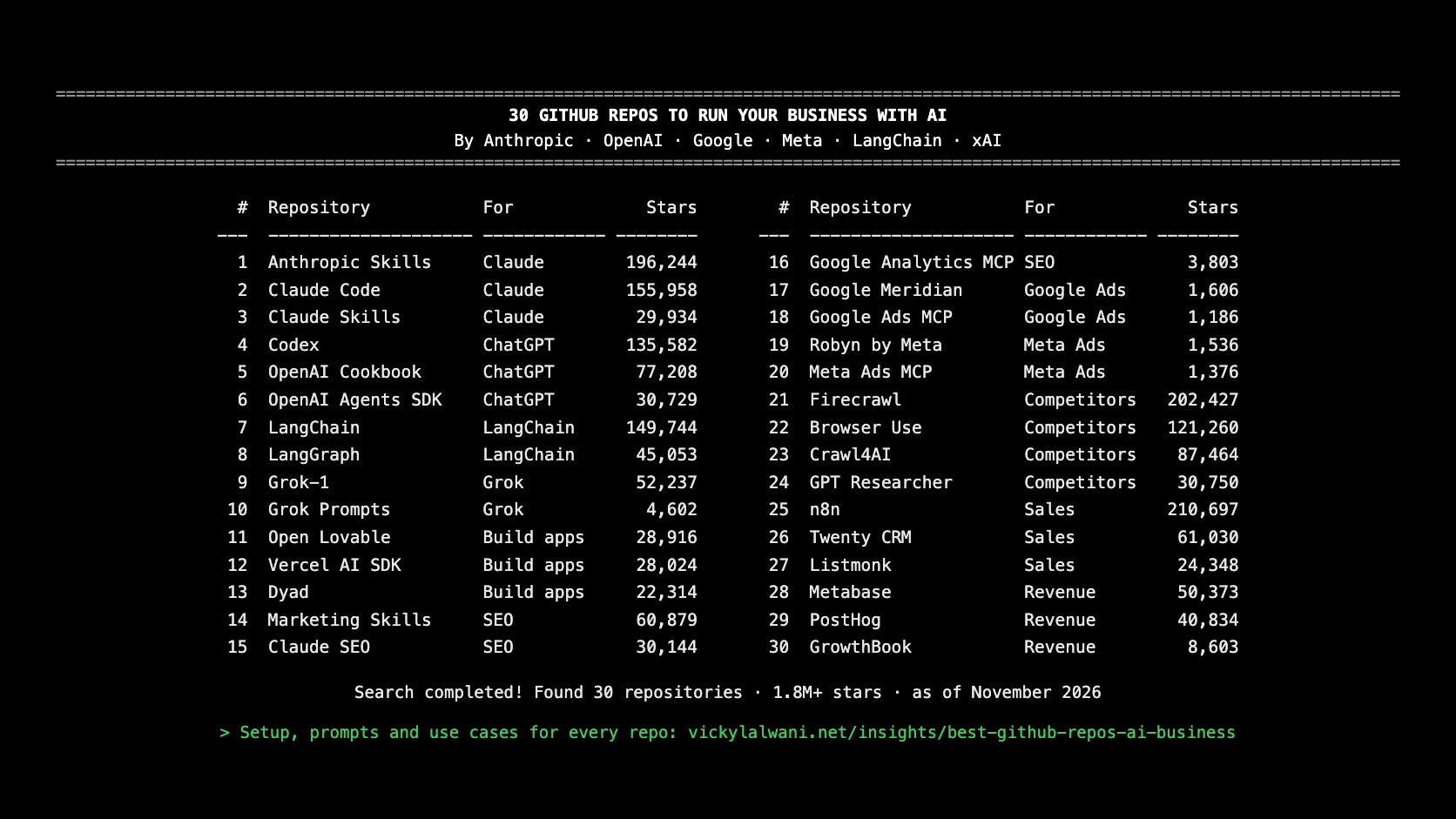
Anthropic, OpenAI, Google, Meta, LangChain and xAI have all open-sourced AI tools on GitHub. These 30 repos (1.8M+ stars combined, as of November 2026) cover building websites, Google and Meta Ads, competitor research, sales and revenue, each with a use case and a first step.
TL;DR
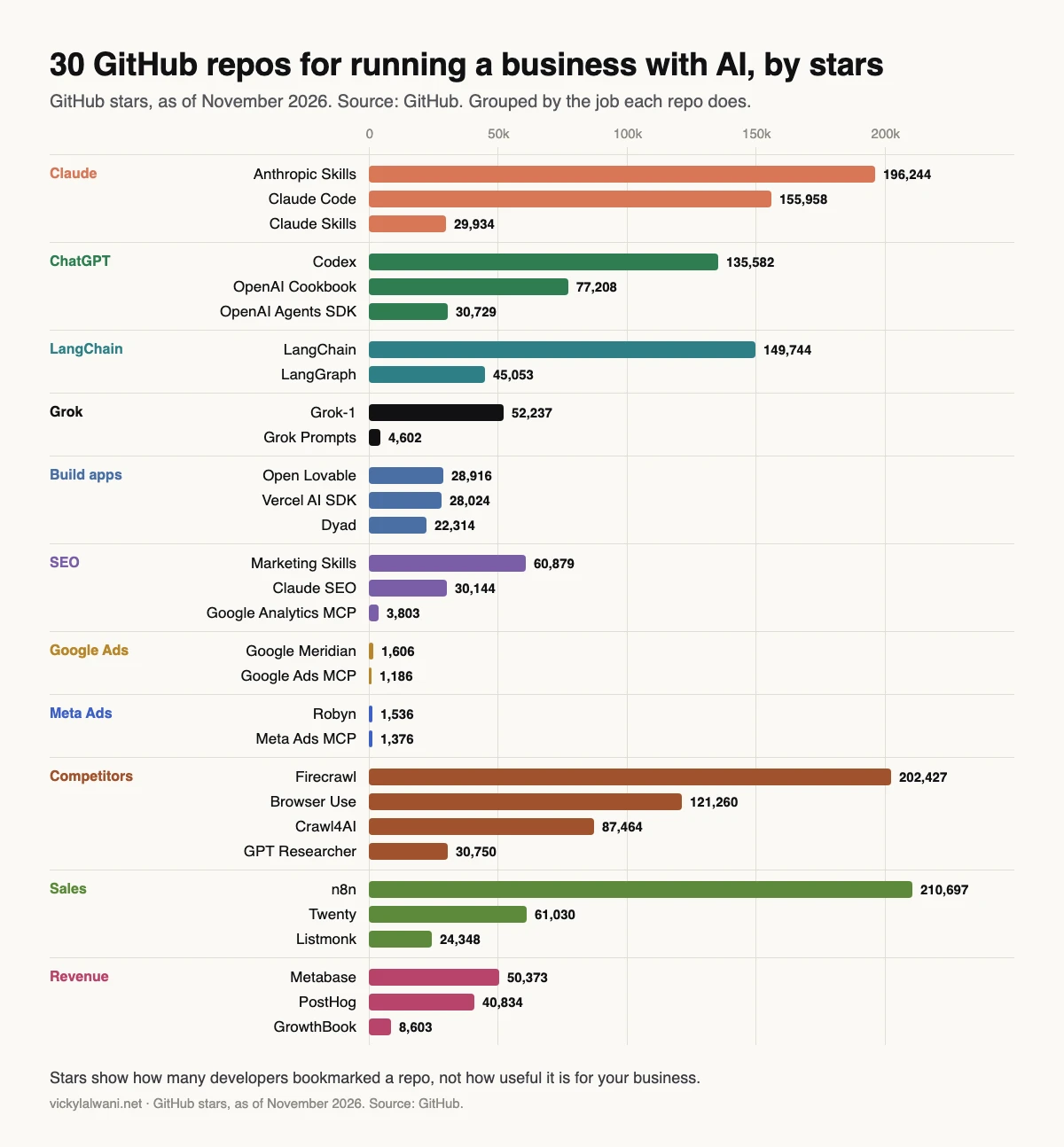
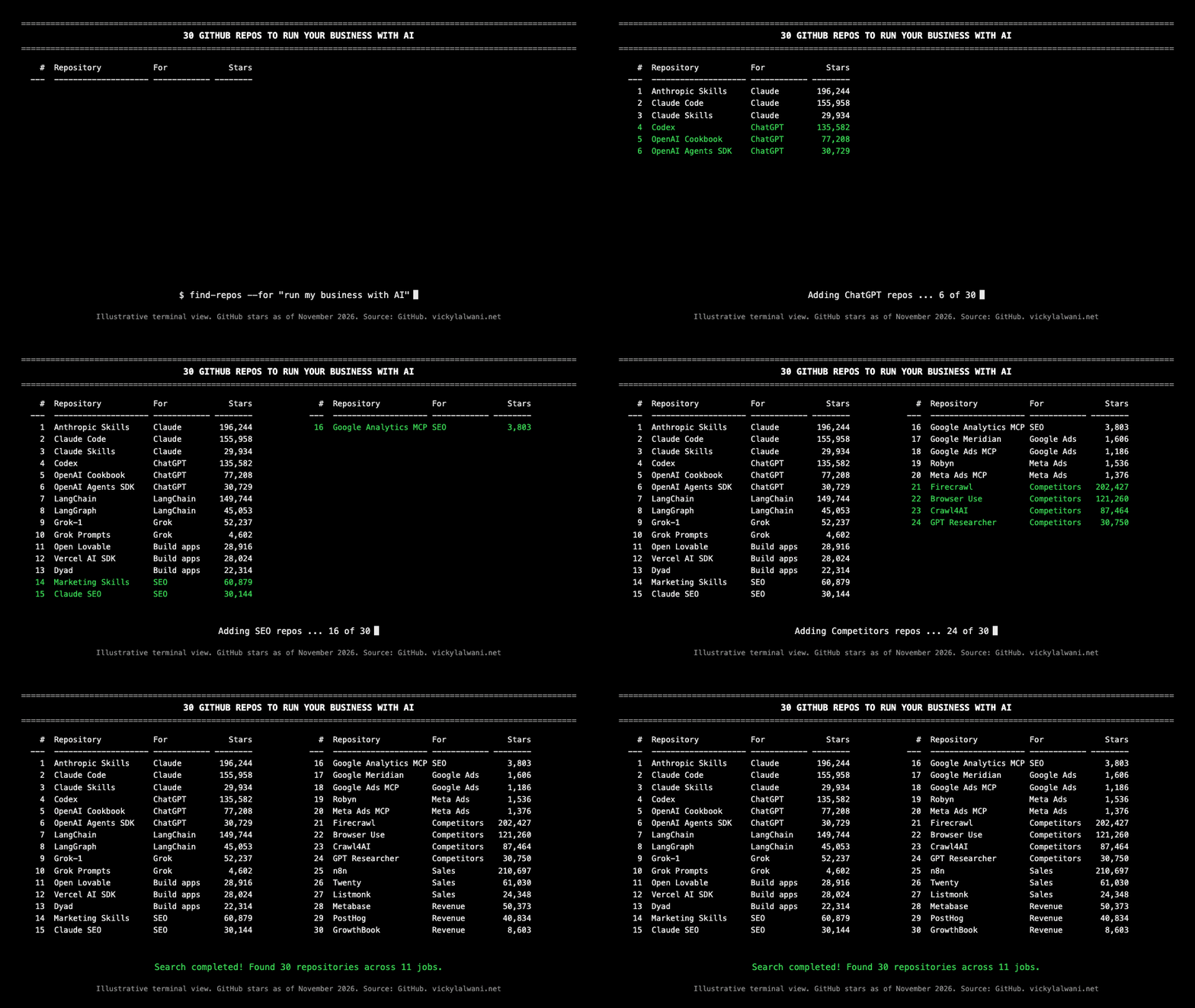
Anthropic, OpenAI, Google, Meta, LangChain and xAI have all open-sourced AI tools on GitHub. Combined with the best community projects, you can build websites, run Google and Meta Ads, research competitors, manage sales and track revenue without paying for a stack of SaaS tools. Below are 30 of the most-starred repos (1.8M+ stars combined), sorted by job, with a real use case for each.
Most businesses pay agencies and SaaS tools thousands a month for work that free, open-source AI tools can now do. The hard part isn't finding them, it's knowing which ones are worth your time.
I've sorted 30 of the most-starred repos by the job they do, and added how I'd actually use each one for marketing, sales and revenue. Star counts are as of November 2026.
All 30 repos at a glance
Swipe the table sideways on a phone. Every link opens the repo on GitHub in a new tab.
| # | Repo | Built by | Stars | Best for | Link |
|---|---|---|---|---|---|
| 1 | Anthropic Skills | Anthropic | 196,244 | Claude builds decks, sheets and docs your way | github.com/ |
| 2 | Claude Code | Anthropic | 155,958 | Build sites, scripts and tracking without a dev | github.com/ |
| 3 | Claude Skills | Community (alirezarezvani) | 29,934 | An AI CEO, CFO and CMO review your plan | github.com/ |
| 4 | Codex | OpenAI | 135,582 | Fix website bugs and code tasks fast | github.com/ |
| 5 | OpenAI Cookbook | OpenAI | 77,208 | Copy-paste recipes for agents and automations | github.com/ |
| 6 | OpenAI Agents SDK | OpenAI | 30,729 | An agent that qualifies leads 24/7 | github.com/ |
| 7 | LangChain | LangChain | 149,744 | Connect AI to your data, CRM and tools | github.com/ |
| 8 | LangGraph | LangChain | 45,053 | Multi-step agents that don't break | github.com/ |
| 9 | Grok-1 | xAI | 52,237 | xAI's open model, run on your own servers | github.com/ |
| 10 | Grok Prompts | xAI | 4,602 | See how xAI prompts Grok, then copy the patterns | github.com/ |
| 11 | Open Lovable | Firecrawl | 28,916 | Clone any website into a modern React app | github.com/ |
| 12 | Vercel AI SDK | Vercel | 28,024 | Add AI chat and agents to your app | github.com/ |
| 13 | Dyad | Community | 22,314 | Free, local Lovable/Bolt alternative | github.com/ |
| 14 | Marketing Skills | Community (coreyhaines31) | 60,879 | CRO, copy and SEO pages in your voice | github.com/ |
| 15 | Claude SEO | Community (AgriciDaniel) | 30,144 | A full technical SEO audit in one command | github.com/ |
| 16 | Google Analytics MCP | 3,803 | Ask your GA4 data questions in plain English | github.com/ | |
| 17 | Google Meridian | 1,606 | Find which channel really drives sales | github.com/ | |
| 18 | Google Ads MCP | 1,186 | Ask "where am I wasting spend?" | github.com/ | |
| 19 | Robyn | Meta | 1,536 | Measure Meta against every other channel | github.com/ |
| 20 | Meta Ads MCP | Pipeboard (third party) | 1,376 | Review creatives and spot losing ads | github.com/ |
| 21 | Firecrawl | Firecrawl | 202,427 | Pull any competitor's pages, offers and pricing | github.com/ |
| 22 | Browser Use | Browser Use | 121,260 | AI walks through a competitor's funnel | github.com/ |
| 23 | Crawl4AI | Community (unclecode) | 87,464 | Map a competitor's whole site structure | github.com/ |
| 24 | GPT Researcher | Community (assafelovic) | 30,750 | A deep research report on any competitor | github.com/ |
| 25 | n8n | n8n | 210,697 | Auto follow-ups and lead routing | github.com/ |
| 26 | Twenty | Twenty | 61,030 | Open-source CRM, an alternative to Salesforce | github.com/ |
| 27 | Listmonk | Community (knadh) | 24,348 | Newsletters and nurture emails at low cost | github.com/ |
| 28 | Metabase | Metabase | 50,373 | Revenue dashboards anyone can read | github.com/ |
| 29 | PostHog | PostHog | 40,834 | See where buyers drop off before paying | github.com/ |
| 30 | GrowthBook | GrowthBook | 8,603 | A/B test pricing and landing pages | github.com/ |
What happens when you use these tools on real work?
Short answer: they save real time, but only with a person checking the output. These are things that happened on my own calls and projects, with names left out.
"What is a repo?"
An agency owner asked me this on a call while I showed them how to edit a client website in plain English. My answer: GitHub is like a Google Drive for website development, and a repo is the folder. The skills and plugins people share in videos are just folders kept in a repo and shared by a link.
We then made a live edit together through Claude Code connected to GitHub. The change happens in a cloud workspace first, you look at a screenshot, and only then you say "commit, merge and push it, and make it live". Two lessons came out of that call. Only one person should edit a site at a time, or the changes clash. And every push rebuilds the site, so put all your edits in one document, a screenshot and an instruction for each, and ship them together.
The website that read like an advert
On another project, AI-written website pages came out pushy, full of offers and guarantees. When we asked Claude what it had used, the answer was an offer-building skill and a generic copy skill. I had let Claude pick skills on its own, so nobody could say which one wrote what. The fix: name the skill on every run, test two or three skills on one page with the same brief, keep the winner, and keep skills where the whole team can see them. Website copy and landing-page copy are different jobs and need different skills.
The Google Ads plan nobody checked
An agent pulled keyword volumes for a Google Ads plan, and the plan went for review before anyone checked the numbers. The agency owner opened Keyword Planner on the call and several main terms showed far more searches than the plan said. Now the rule is simple: the AI pulls the data, a person checks it against the source before anyone else sees it, and I still build the ads by hand and read every line in preview.
"We don't want to clone websites"
That was an agency owner's first reaction to a website-cloning demo. Fair point. The use I suggest is reference only: for a client on a small budget, take the best structural ideas from several sites, then add your own text, logo and colours. Never copy someone else's design or words.
This website
vickylalwani.net is built and edited with Claude Code, on Next.js, GitHub and Vercel: the pages, the tracking, the lead forms and the articles, including this one. When I install a skill from a GitHub link I saw in a post, I ask for a dry run first. Some installers stop at a computer password prompt; that part I always type myself.
Which Claude repos should a business use?
Short answer: Start with Anthropic Skills and Claude Code. They turn Claude from a chat window into something that produces real work.
Creating custom Skills with Claude, from Anthropic. Official Anthropic demo published on Agent Skills launch day; shows how a skill folder is built, which is what the Anthropic Skills and Marketing Skills repos contain. Vendor.
Anthropic Skills (Anthropic, 196,244 stars)
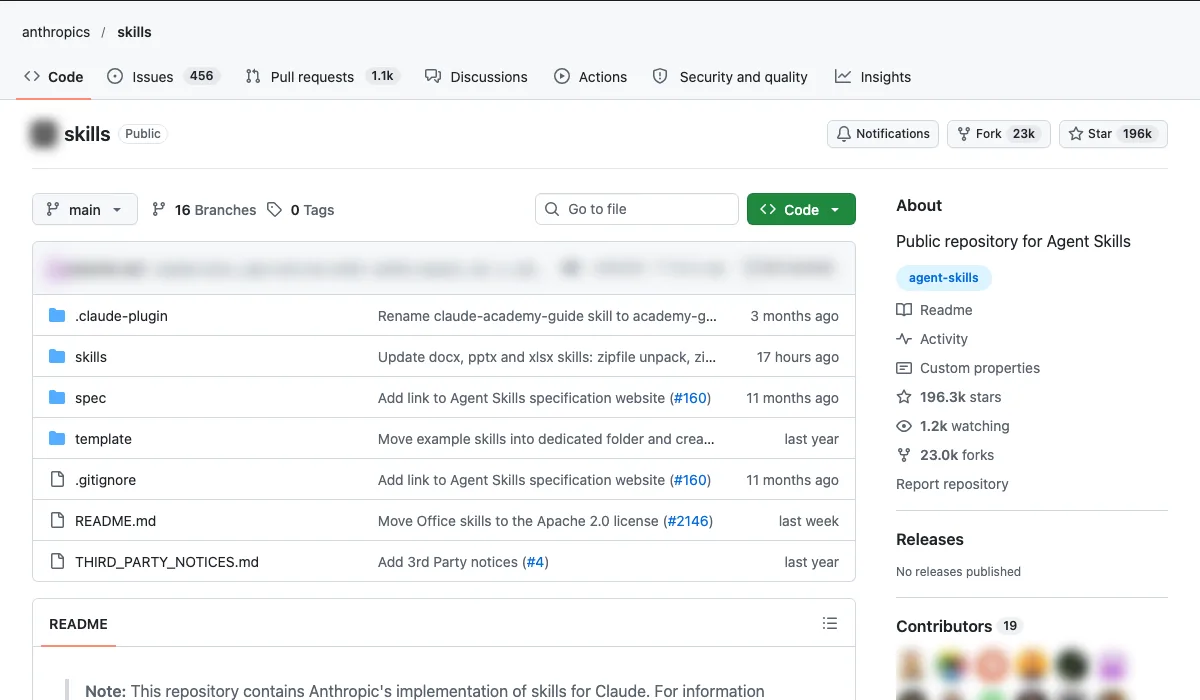
- What it is: Anthropic's official library of Agent Skills.
- Use case: Claude produces branded decks, spreadsheets and reports in your format every time.
- How to start: Add the document skills to Claude, then ask for a client report using your template.
Setup, step by step
- On a paid Claude.ai plan these skills are already available, so there is nothing to install. To upload your own skill, follow Anthropic's "Using skills in Claude" help article.
- In Claude Code, add the marketplace:
/plugin marketplace add anthropics/skills. - Install the document set:
/plugin install document-skills@anthropic-agent-skills. - Ask for a skill by name, for example "Use the PPTX skill to...". Developers can also use skills through the Claude API.
- Anthropic says these skills are for demonstration and learning. Test the output before you rely on it.
Copy-paste first prompt
Use the PPTX skill. Build a 6-slide monthly client report from the attached CSV of campaign results. Use the fonts, colours and logo in the attached template. Slide 1: a summary in three bullet points. Slides 2 to 5: one chart per channel with a one-line takeaway. Slide 6: next month's three actions. Do not invent any numbers. If a figure is missing, leave a note on the slide.
Claude Code (Anthropic, 155,958 stars)
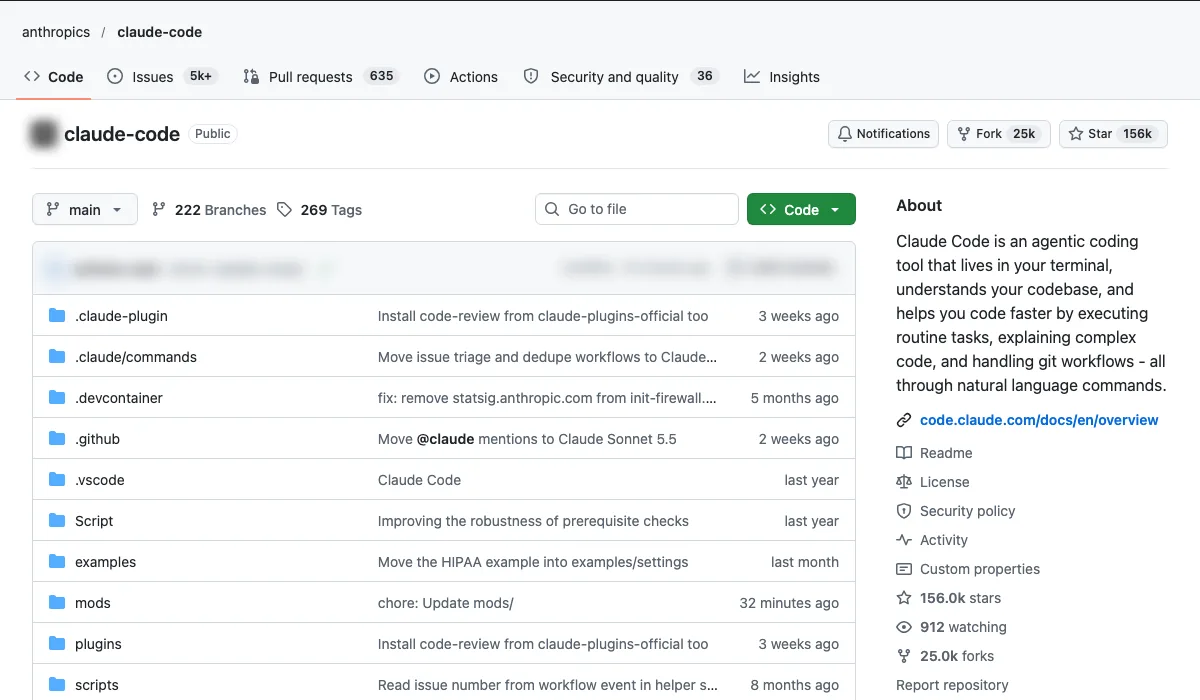
- What it is: Anthropic's coding agent for the terminal.
- Use case: Build a landing page, a GTM tracking script or a small internal tool without hiring a developer.
- How to start: Install it, open your website folder and describe the change in plain English.
Setup, step by step (the README now lists the npm install as deprecated)
- You need a Pro, Max, Ultra, Team, Enterprise or Console account. The free Claude.ai plan does not include Claude Code.
- Mac or Linux:
curl -fsSL https://claude.ai/install.sh | bash, orbrew install --cask claude-code. Windows:irm https://claude.ai/install.ps1 | iexin PowerShell, orwinget install Anthropic.ClaudeCode. - Skip the npm route. The README now marks
npm install -g @anthropic-ai/claude-codeas deprecated. - Open your website folder in the terminal and run
claude. Log in through the browser when asked. - Ask for a plan first and approve each file change yourself. Keep the folder in Git so any change can be undone.
Copy-paste first prompt
Read this website project and explain how it is built in five bullet points. Then plan, but do not make, this change: add a GA4 event that fires when the contact form is submitted successfully. List the files you would edit and why. Wait for my approval before editing anything.
Claude Skills (Community (alirezarezvani), 29,934 stars)
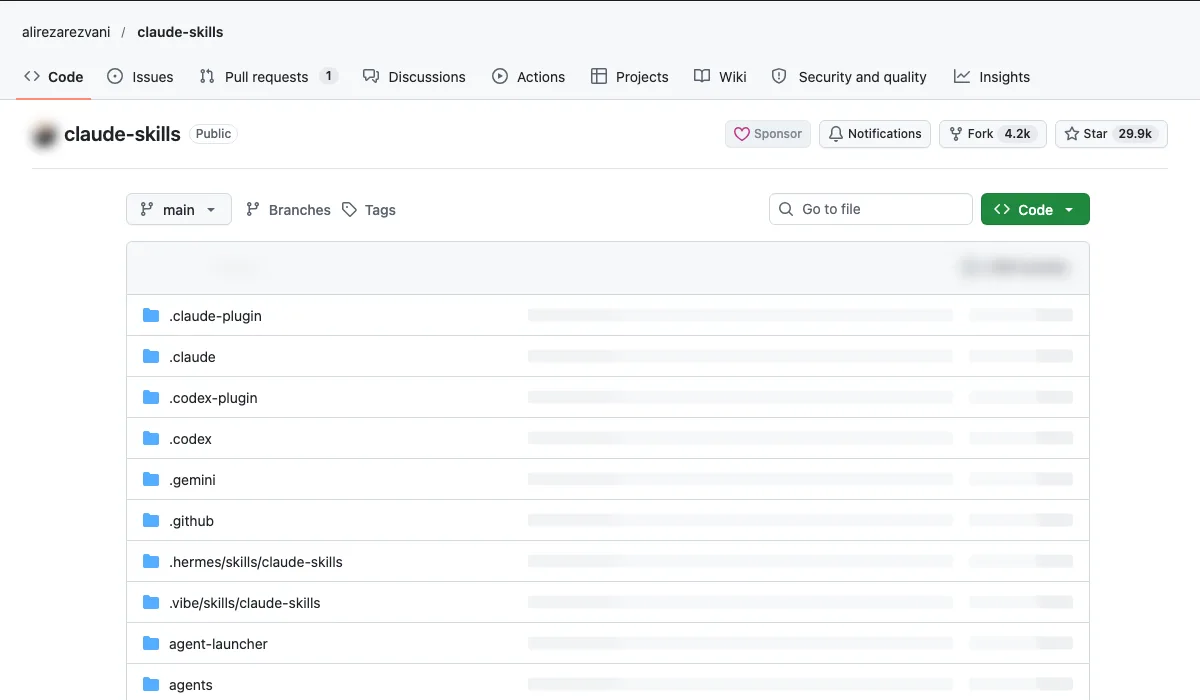
- What it is: A community library of 400+ skills, including a C-level advisory set.
- Use case: Get your plan reviewed by an AI CEO, CFO and CMO before a board or client meeting.
- How to start: Install the C-level skills and paste your plan.
Setup, step by step
- You need Claude Code, or another supported agent such as Codex, Cursor or Gemini CLI.
- In Claude Code, add the marketplace:
/plugin marketplace add alirezarezvani/claude-skills. - Install the C-level set:
/plugin install c-level-skills@claude-code-skills. Marketers can addmarketing-skills@claude-code-skillsthe same way. - For other agents, the README gives
npx skills add alirezarezvani/claude-skills. - Run
/pluginto browse every bundle. Only names in the repo's marketplace file can be installed.
Copy-paste first prompt
Act as my CEO, CFO and CMO advisers. Review the plan below before my board meeting. Each adviser gives: the three biggest risks, one question the board will ask, and the data I am missing. Then give one combined verdict: go, change or stop. Be blunt. Do not invent figures; ask me for any you need. [paste plan]
Which OpenAI and ChatGPT repos are worth using?
Short answer: Codex for code, the Cookbook for ready-made recipes, and the Agents SDK when you need an agent running in the background.
Codex (OpenAI, 135,582 stars)
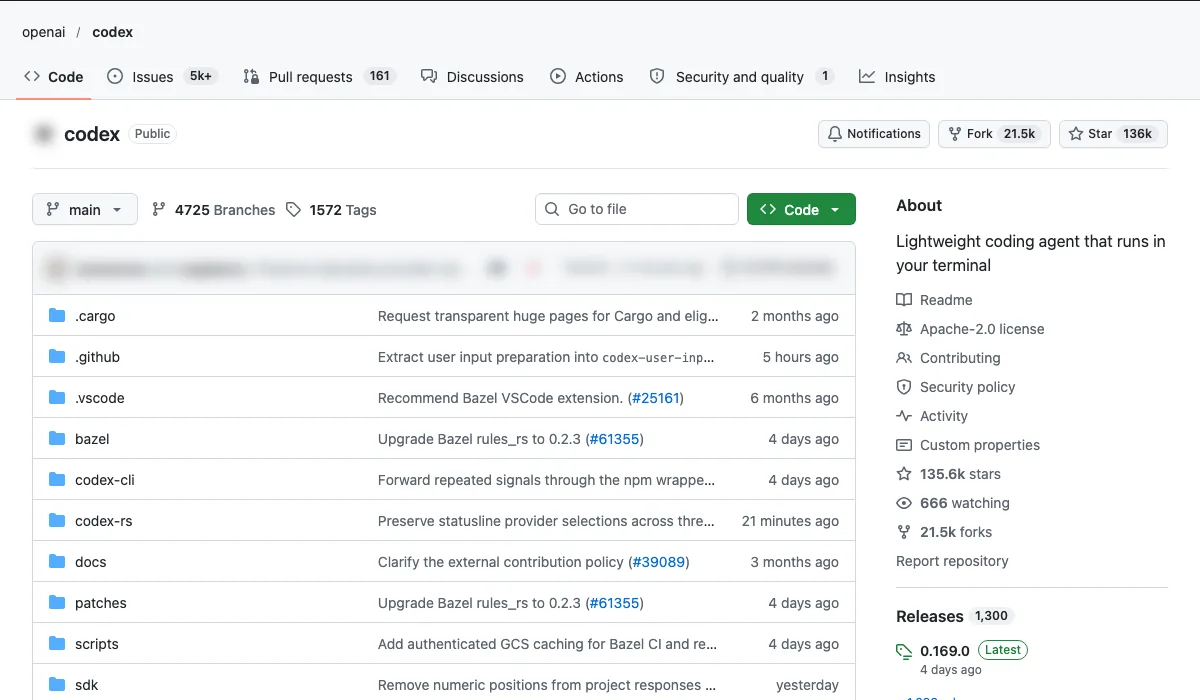
- What it is: OpenAI's coding agent for the terminal.
- Use case: Fix website bugs, update content in bulk, clean up scripts.
- How to start: Point it at your repo with one clear task.
Setup, step by step
- No-install route: use Codex Web at chatgpt.com/codex, or the IDE extension for VS Code, Cursor or Windsurf.
- Mac or Linux:
curl -fsSL https://chatgpt.com/codex/install.sh | sh. Windows:powershell -ExecutionPolicy ByPass -c "irm https://chatgpt.com/codex/install.ps1 | iex". - npm (
npm install -g @openai/codex) and Homebrew (brew install --cask codex) also work. - Run
codexand choose Sign in with ChatGPT. It works with Plus, Pro, Business, Edu and Enterprise plans. An API key also works, with extra setup. - Open your website repo and give it one clear task at a time.
Copy-paste first prompt
The contact form on /contact shows no error when the email field is empty. Find the cause, explain it in plain English, and propose the smallest fix. Show me the diff and wait for my approval before you apply it.
OpenAI Cookbook (OpenAI, 77,208 stars)
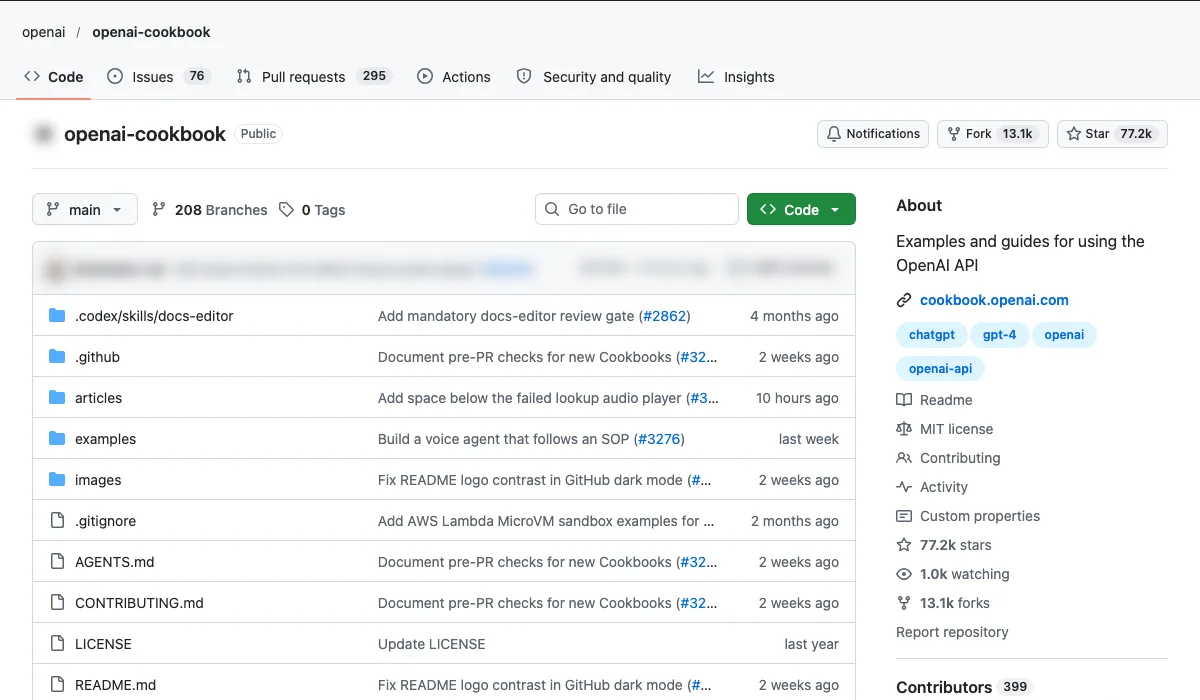
- What it is: OpenAI's official examples and guides.
- Use case: Copy proven recipes for classification, extraction and agents.
- How to start: Search the cookbook for your task before building anything.
Setup, step by step
- No install needed to read it. Browse the recipes at cookbook.openai.com.
- To run an example you need an OpenAI account and API key. Set it as the
OPENAI_API_KEYenvironment variable, or put it in a.envfile at the repo root. - Most examples are in Python. Clone the repo and open the notebook that matches your task.
- Search for your task, such as classification or extraction, before you build anything new.
Copy-paste first prompt
Using the OpenAI Cookbook's classification examples as the pattern, write a Python script that sorts the enquiries in enquiries.csv into: sales lead, support, supplier, spam. Add a confidence score and a one-line reason for each. Save the result to a new CSV. Do not send or reply to any message.
OpenAI Agents SDK (OpenAI, 30,729 stars)
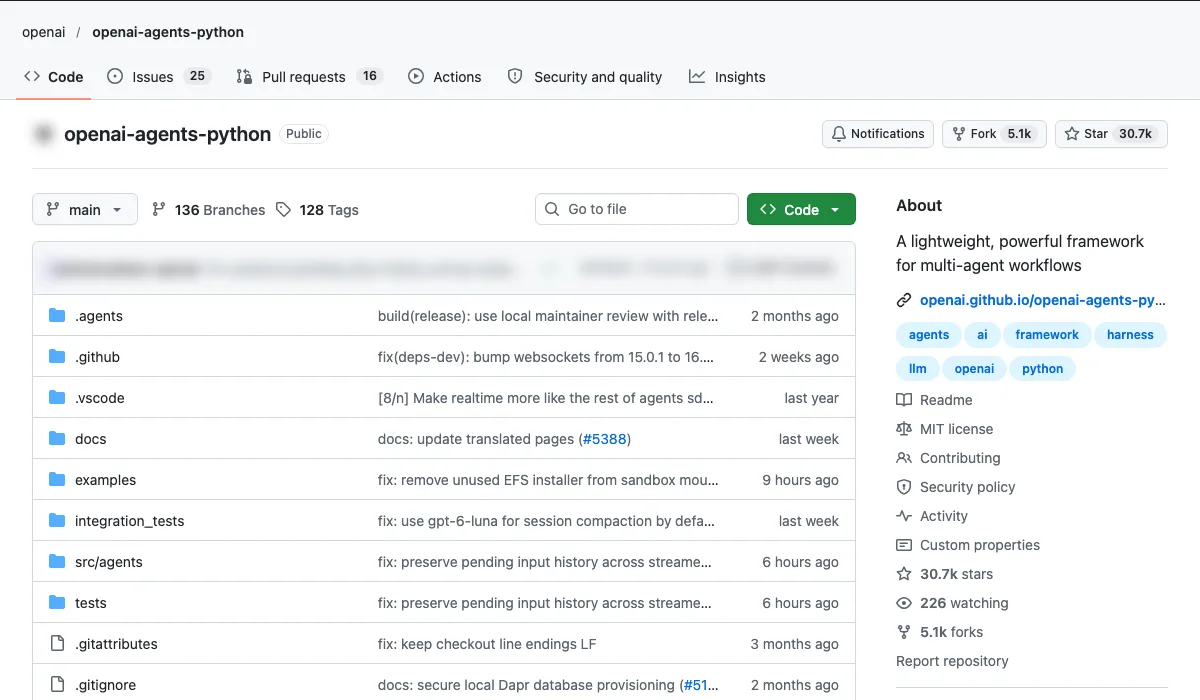
- What it is: A framework for multi-agent workflows.
- Use case: An agent that scores and routes inbound leads around the clock.
- How to start: Start from one example agent and add your lead criteria.
Setup, step by step
- You need Python 3.10 or newer and an OpenAI API key set as
OPENAI_API_KEY. The SDK also supports other model providers. - Create a virtual environment:
python -m venv .venv, thensource .venv/bin/activate(Windows:.venv\Scripts\activate). - Install:
pip install openai-agents, oruv add openai-agentsif you use uv. - Run the text agent example in the README, then copy one agent from the examples folder.
- Use the built-in guardrails and human-in-the-loop features, so a person approves anything sent to a lead.
Copy-paste first prompt
Agent instructions: You are a lead qualification assistant for [business]. For each new enquiry, score it 1 to 5 on fit (service, budget, location, timeline), explain the score in one line, and suggest which team member should own it. Never email or message the lead yourself. Put anything scored 4 or 5 in a review queue for a person to approve.
What do LangChain and LangGraph do for a business?
Short answer: They connect AI to your own data and tools, and keep multi-step agents reliable.
LangChain (LangChain, 149,744 stars)
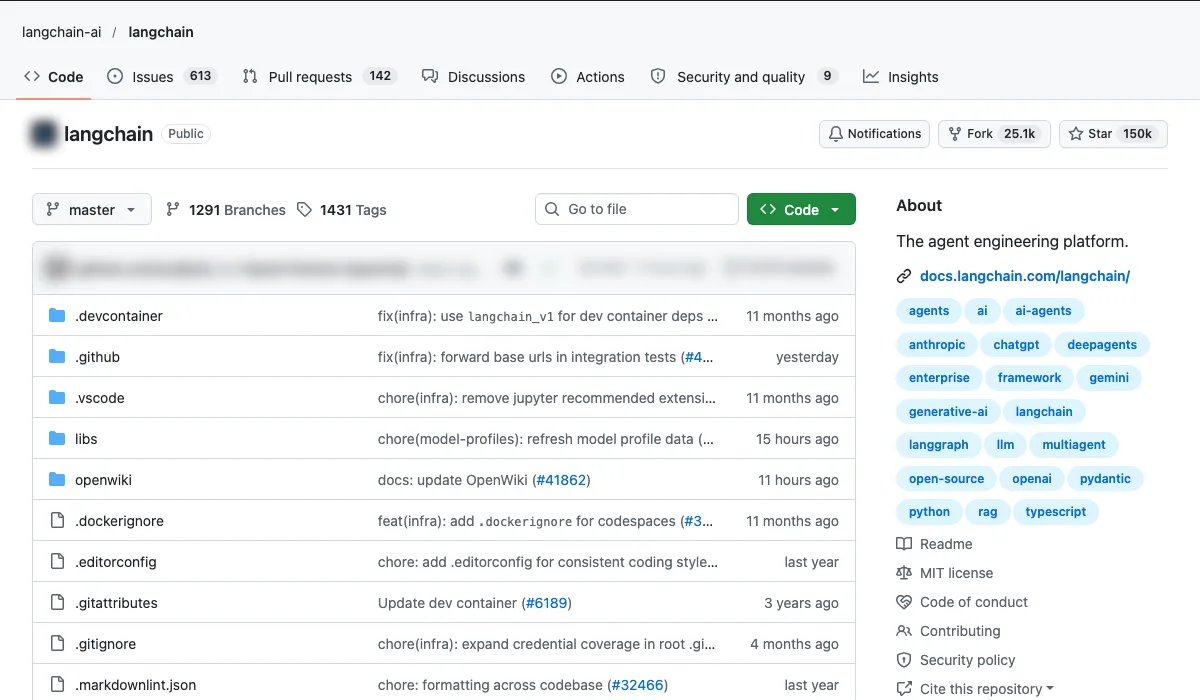
- What it is: The agent engineering platform.
- Use case: Let AI answer questions from your CRM, docs and sales data.
- How to start: Connect one data source first.
Setup, step by step
- You need Python and an API key for a model provider, such as OpenAI or Anthropic.
- Install:
uv add langchain. A JavaScript version, LangChain.js, is also available. - Run the quickstart in the README to check your model connection works.
- Connect one data source first, such as a CRM export, using the integrations docs.
- For multi-step agents, the README points to LangGraph and the higher-level Deep Agents package.
Copy-paste first prompt
Build a small LangChain app that answers questions from deals.csv, our CRM export. Example question: "Which deals over £5,000 have had no activity for 30 days?" Every answer must quote the rows it used. If the data does not answer the question, say so. Read only: never write back to the CRM.
LangGraph (LangChain, 45,053 stars)
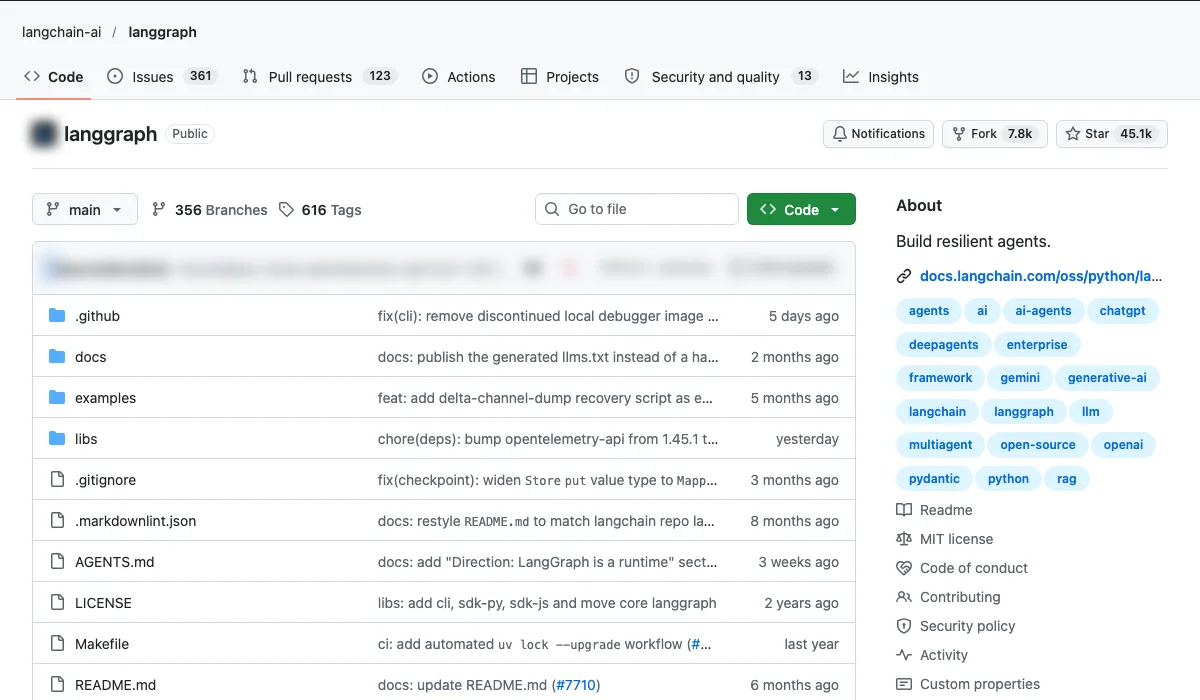
- What it is: A framework for building resilient agents.
- Use case: A multi-step workflow (research, then draft, then review) that doesn't fall over halfway.
- How to start: Map your workflow as steps before you write any code.
Setup, step by step
- You need Python and a model API key.
- Install:
pip install -U langgraph. LangGraph.js is the JavaScript version. - Follow the LangGraph quickstart at docs.langchain.com.
- Map your workflow as steps first, then build each step as a node.
- Use the human-in-the-loop (interrupts) feature so a person reviews the output before it goes anywhere.
Copy-paste first prompt
Build a three-step LangGraph workflow for a weekly blog post. Step 1, research: collect five sources on [topic] with links. Step 2, draft: write 800 words using only those sources. Step 3, review: check every claim against a source and list any that fail. Pause for my approval after step 3. Do not publish anything.
What has xAI open-sourced from Grok?
Short answer: The Grok-1 model weights and the prompts behind the Grok assistant.
Grok-1 (xAI, 52,237 stars)
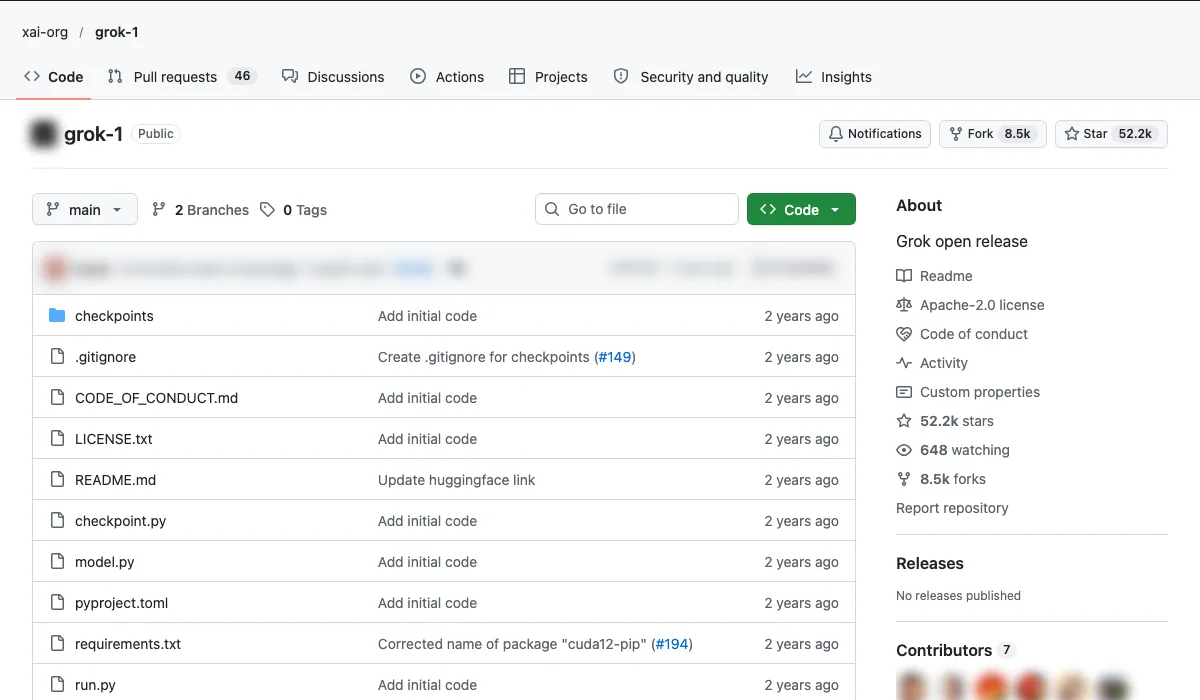
- What it is: XAI's open model release.
- Use case: Run a large model on your own infrastructure when data can't leave your servers.
- How to start: Only worth it with serious GPU resources; most businesses should use the API instead.
Setup, step by step
- Check the hardware first. Grok-1 has 314B parameters, so the README says you need a machine with enough GPU memory to load it.
- Clone the repo:
git clone https://github.com/xai-org/grok-1.git && cd grok-1. - Download the weights into the
checkpointsfolder, by the torrent magnet link in the README or from Hugging Face (pip install huggingface_hub[hf_transfer], then thehuggingface-cli download xai-org/grok-1command in the README). - Install and test:
pip install -r requirements.txt, thenpython run.py. The example code uses JAX. - The README says the example code is not efficient. It is there to check the model works. Code and weights are Apache 2.0.
Copy-paste first prompt
First test after `python run.py` works: run one short, non-sensitive text from your business, such as a product description, and compare the output with the API model you use today. Do not move real customer data onto the server until it passes your own security review.
Grok Prompts (xAI, 4,602 stars)
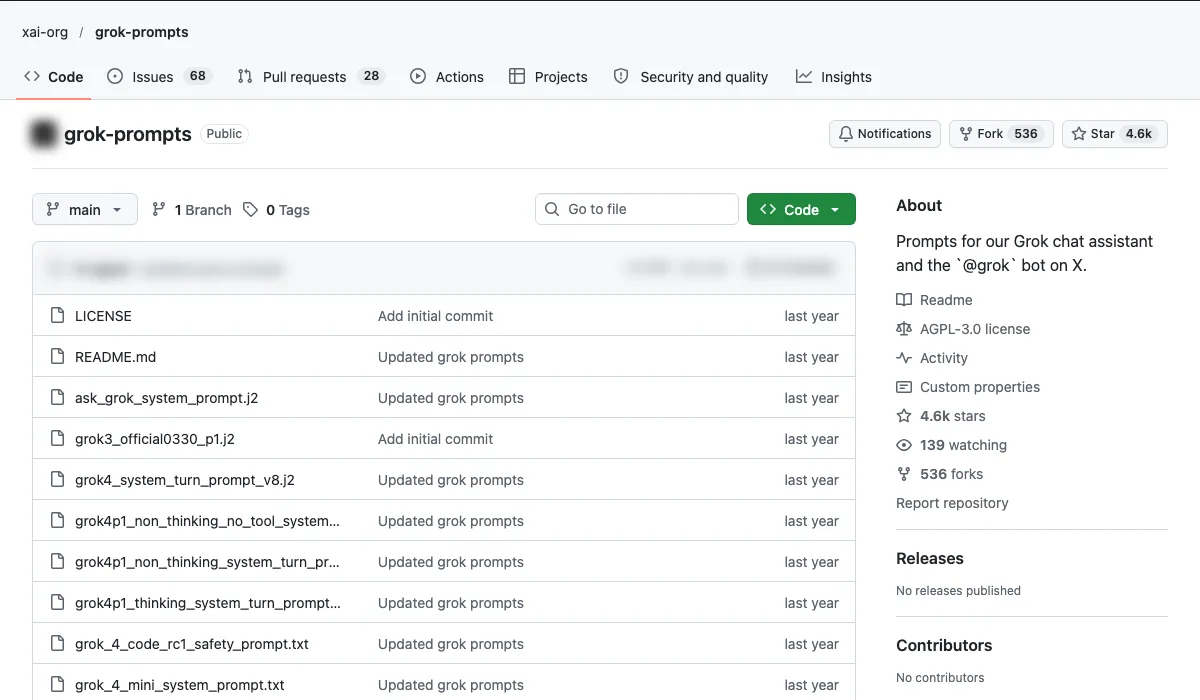
- What it is: The prompts xAI uses for Grok and the @grok bot on X.
- Use case: Learn how a major AI lab writes its system prompts, and borrow the patterns for your own assistants.
- How to start: Read them side by side with your own prompts.
Setup, step by step
- Nothing to install. Open the repo on GitHub and read the prompt files (.j2 and .txt).
- Start with
grok4_system_turn_prompt_v8.j2(the Grok 4 chat assistant) andask_grok_system_prompt.j2(the Grok bot on X). - Put one next to your own assistant's system prompt and note the sections it has that yours lacks.
- The repo is under the AGPL v3 licence. Borrow the structure and patterns, and check the licence before reusing any text word for word.
Copy-paste first prompt
Here is the system prompt xAI publishes for the Grok bot on X, and here is my customer service assistant's system prompt. Compare the two. List the sections theirs has and mine lacks, such as tone, safety rules and how to handle uncertainty. Then rewrite mine with those sections added, in my brand voice. Do not copy their wording. [paste both prompts]
How can you build websites and apps with open-source AI?
Short answer: Open Lovable to rebuild sites fast, Dyad as a free local app builder, and the Vercel AI SDK to add AI features.
Open Lovable (Firecrawl, 28,916 stars)
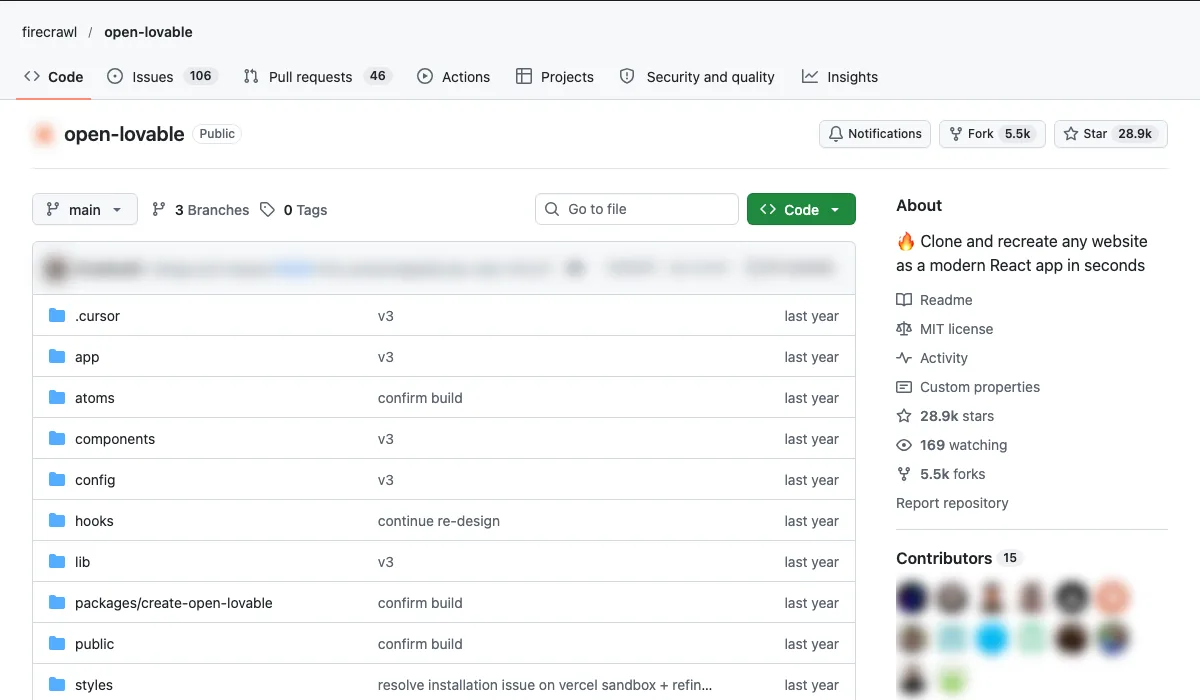
- What it is: Clones and recreates a website as a modern React app.
- Use case: Rebuild an old client site in a modern stack in an afternoon.
- How to start: Use it on your own sites, or with permission, not to copy other people's designs.
Setup, step by step
- Want a hosted product instead? The README points to Lovable.dev for a complete cloud version.
- You need a JavaScript package manager (pnpm, npm or yarn), a Firecrawl API key, one AI provider key (Gemini, Anthropic, OpenAI or Groq) and a sandbox provider (Vercel by default, or E2B).
- Clone and install:
git clone https://github.com/firecrawl/open-lovable.git,cd open-lovable,pnpm install. - Create
.env.localwithFIRECRAWL_API_KEY, your AI key and the sandbox settings shown in the README. - Run
pnpm devand open http://localhost:3000.
Copy-paste first prompt
Rebuild https://[your-own-site].com as a modern React site. Keep the same pages, headings, copy and contact details. Improve the mobile layout and page speed. Do not add any text, claims or images that are not on the original.
Vercel AI SDK (Vercel, 28,024 stars)
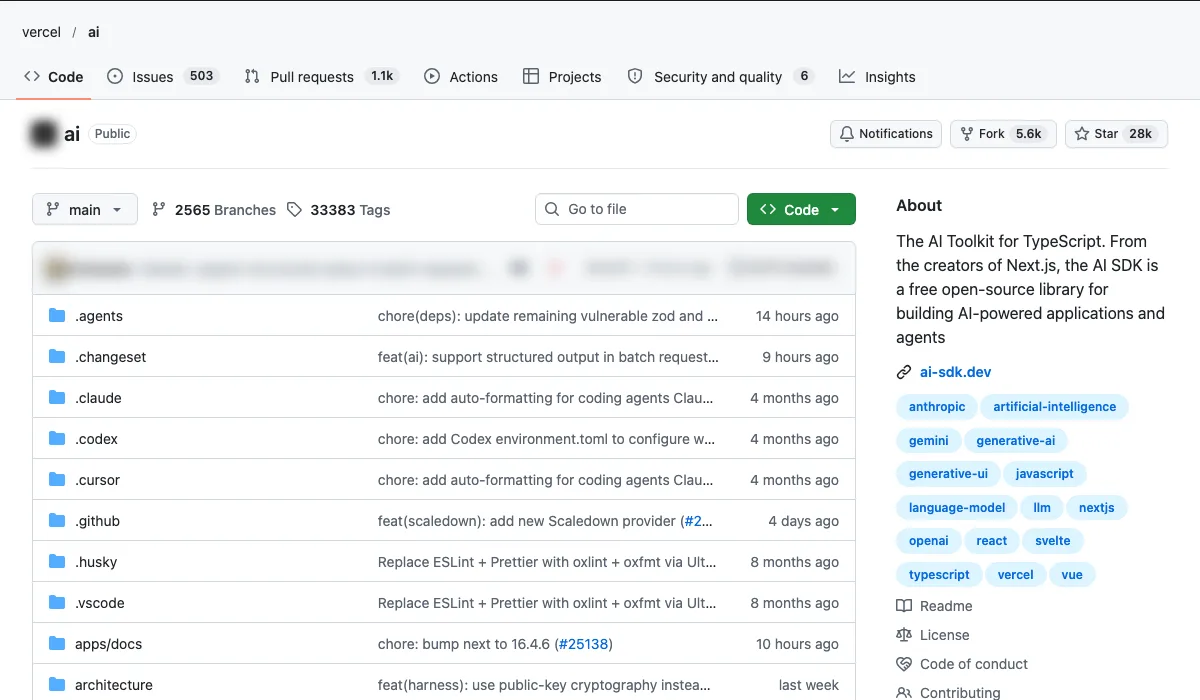
- What it is: A TypeScript toolkit for AI features.
- Use case: Add an AI chat or quote assistant to your website.
- How to start: Use the chat starter template.
Setup, step by step
- You need Node.js 22 or newer and npm, or another package manager.
- Install:
npm install ai. For a chat interface in React, addnpm install @ai-sdk/react. - Choose how you reach models. By default it uses the Vercel AI Gateway, or you can install a provider package such as
@ai-sdk/openaior@ai-sdk/anthropic. - If you build with Claude Code or Cursor, add the AI SDK skill:
npx skills add vercel/ai. - Follow the docs at ai-sdk.dev for your framework (Next.js, React, Svelte, Vue and others).
Copy-paste first prompt
Using the AI SDK, add a quote assistant chat to this Next.js site. It answers using only the content of /services and /pricing, and asks for name, email and job details before giving a price range. It must say it is an AI assistant, never promise a final price, and hand over to a person for anything it cannot answer. Show me the plan before you write any code.
Dyad (Community, 22,314 stars)
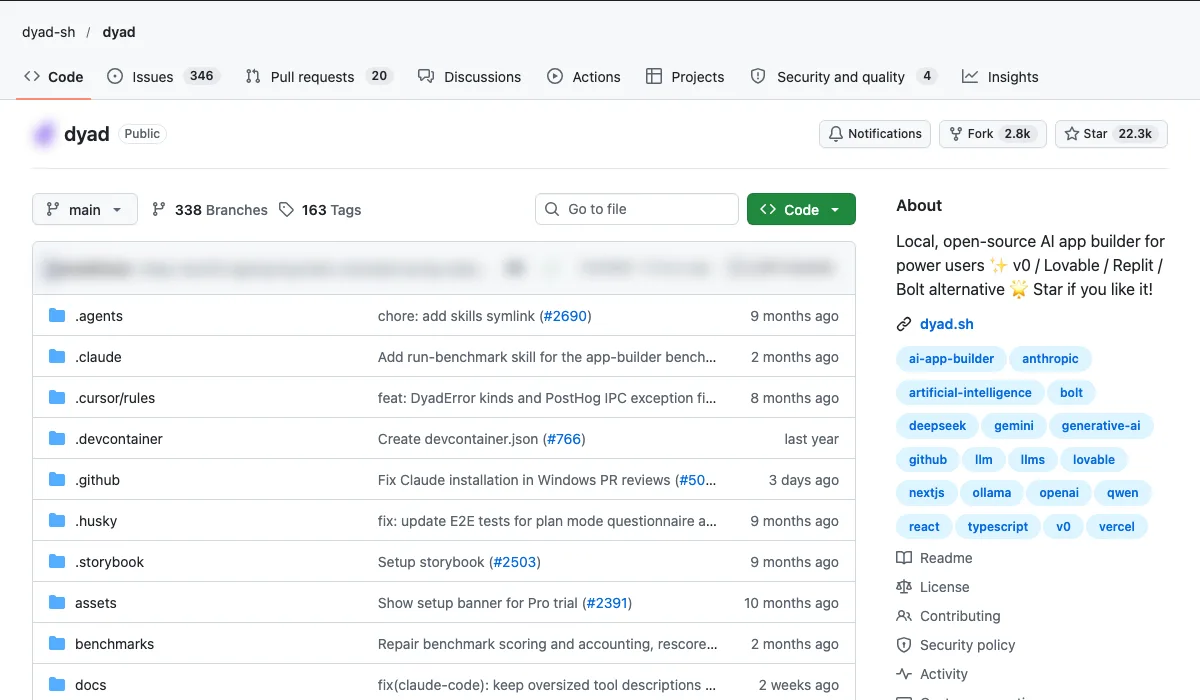
- What it is: A local, open-source AI app builder.
- Use case: Prototype internal tools without paying for Lovable or Bolt seats.
- How to start: Download it and describe the app you need.
Setup, step by step
- Download Dyad for Mac or Windows from dyad.sh. No sign-up is needed.
- Add your own AI API key. Dyad works with keys you already have.
- Describe the app you need in plain English. It builds and runs on your own machine.
- Most of the code is Apache 2.0. The
src/profolder uses a separate fair-source licence.
Copy-paste first prompt
Build a simple internal tool for our sales team. A form to log a new lead: name, company, source, value, next step and follow-up date. A table of all leads, sortable by follow-up date. Highlight overdue follow-ups in red. Store the data locally. No login is needed for this prototype.
What are the best open-source AI repos for SEO?
Short answer: Marketing Skills and Claude SEO for the SEO work, Google Analytics MCP for the data.
Marketing Skills (Community (coreyhaines31), 60,879 stars)
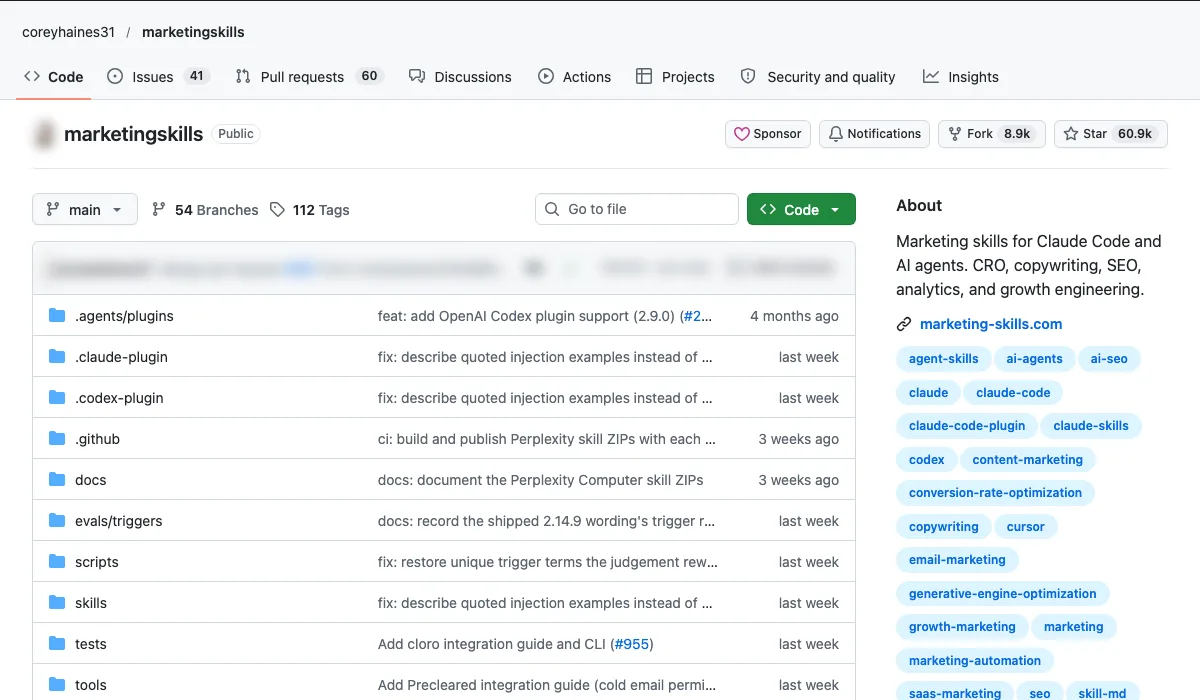
- What it is: Marketing skills for Claude Code and AI agents.
- Use case: CRO reviews, copy and SEO pages that follow a proven framework.
- How to start: Install the skills and run a CRO review on your top landing page.
Setup, step by step
- You need an agent that supports skills, such as Claude Code, Codex or Cursor.
- Install all skills:
npx skills add coreyhaines31/marketingskills. Add-a claude-codeif you run it from inside a Claude Code session. - Or use the Claude Code plugin:
/plugin marketplace add coreyhaines31/marketingskills, then/plugin install marketing-skills. - Ask in plain English, or call a skill directly, such as
/cro,/emailsor/seo-audit. - To connect marketing accounts, the README links a setup guide for scoped credentials and a first read-only result.
Copy-paste first prompt
/cro Review the landing page at [URL]. Our goal is quote requests from [audience]. Give the top five changes ranked by likely impact, each with the current text, the suggested text and the reason. Do not touch the live site. Give me the copy to review.
Claude SEO (Community (AgriciDaniel), 30,144 stars)
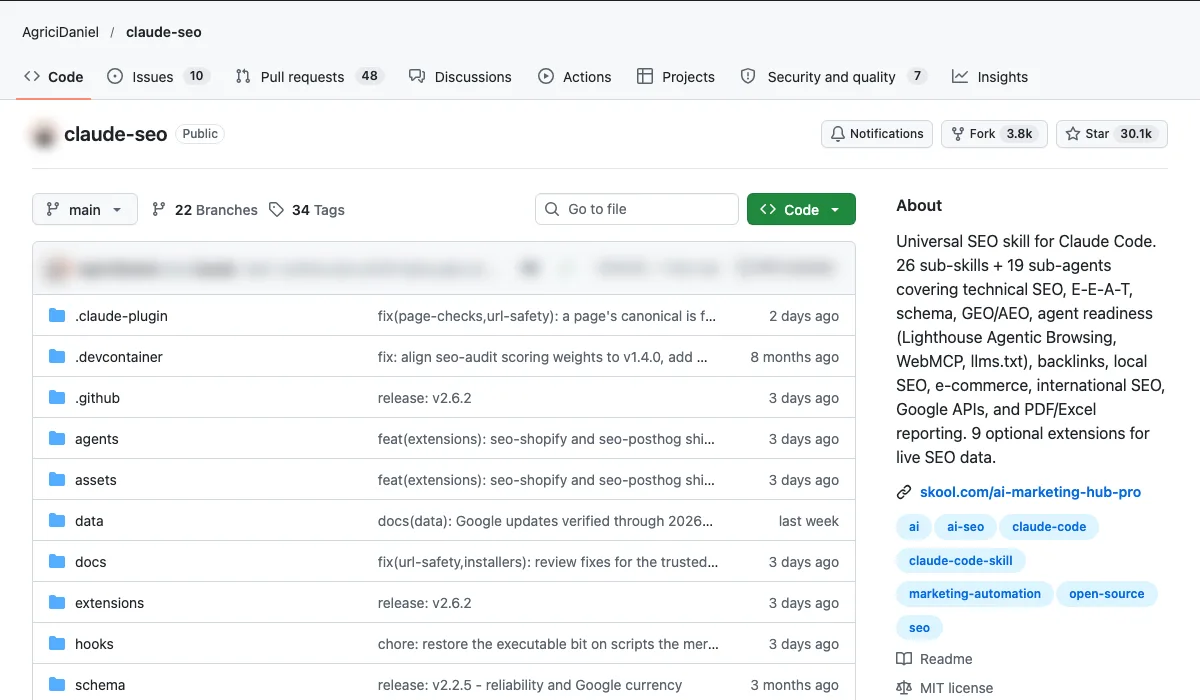
- What it is: An SEO skill for Claude Code with 29 sub-skills (its README, November 2026).
- Use case: A full technical SEO audit of a site in one command.
- How to start: Run it on your own site first to learn the output.
Setup, step by step
- You need Claude Code 1.0.33 or newer.
- Inside Claude Code run
/plugin marketplace add AgriciDaniel/claude-seo, then/plugin install claude-seo@agricidaniel-claude-seo. - Run
/seo setup. It creates its own Python environment and a headless browser without touching the rest of your system./seo doctorchecks it. - Run your first audit:
/seo audit https://yoursite.com. The README says a full audit takes 10 to 15 minutes. - Manual install scripts for Mac, Linux and Windows are in the README. Read a script before you run it.
Copy-paste first prompt
/seo audit https://[your-site].com. When it finishes, turn the audit into a table of the top ten fixes: issue, affected URLs, effort (low, medium or high), and how I will know it worked. Do not change any files on the site.
Google Analytics MCP (Google, 3,803 stars)
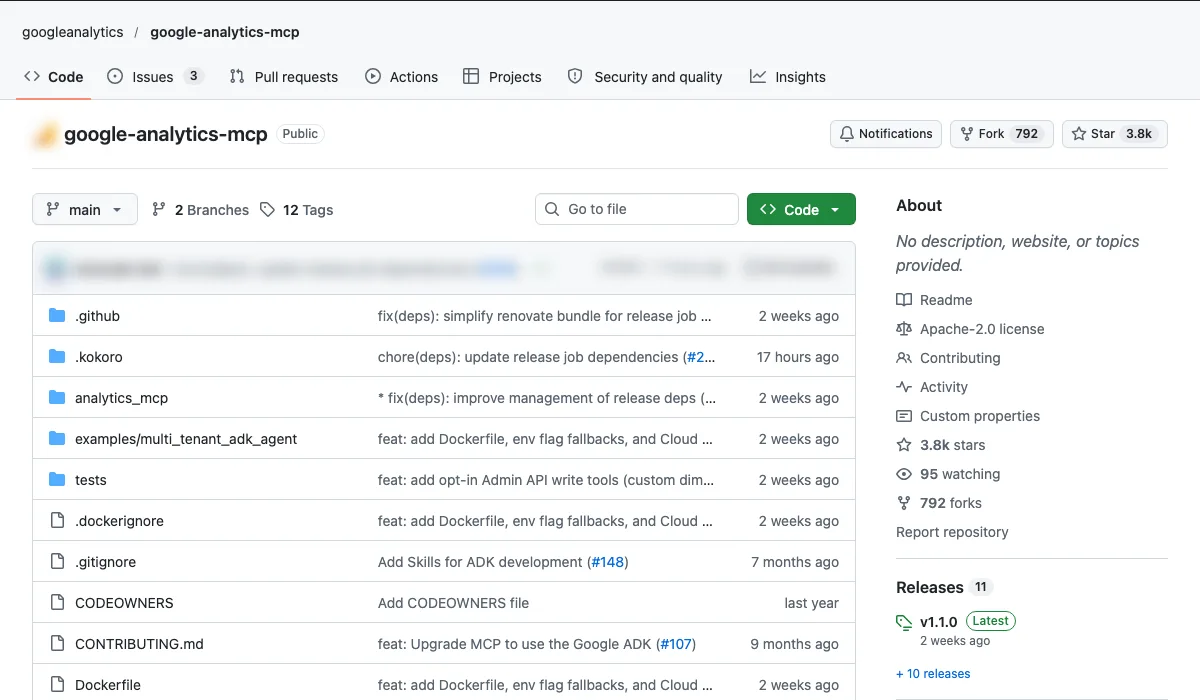
- What it is: Google's MCP server for GA4.
- Use case: Ask "which pages lost traffic this month?" in plain English.
- How to start: Connect it to one GA4 property with read-only access.
Setup, step by step
- Install pipx (the README's Python setup step).
- In a Google Cloud project, enable the Google Analytics Admin API and the Google Analytics Data API.
- Set up Application Default Credentials with the read-only scope
https://www.googleapis.com/auth/analytics.readonly, using thegcloud auth application-default logincommands in the README. Use a Google account that can see your GA4 property. - Add it to Claude Code:
claude mcp add analytics-mcp --scope user -e "GOOGLE_APPLICATION_CREDENTIALS=PATH_TO_CREDENTIALS_JSON" -e "GOOGLE_CLOUD_PROJECT=YOUR_PROJECT_ID" -- pipx run analytics-mcp. Gemini CLI setup is also in the README. - Leave write tools off. They only switch on with the
--allow-writeflag and an edit scope.
Copy-paste first prompt
Using analytics-mcp on GA4 property [name or ID]: which 10 landing pages lost the most organic sessions in the last 28 days compared with the previous 28 days? Show sessions before and after, the percentage change and key events for each. Read only. Do not create or change anything in the property.
Which open-source tools help with Google Ads?
Short answer: Google's own Ads MCP for account questions, and Meridian for budget decisions. More on running Google Ads with AI and a human in charge is on the service page.
Google Ads MCP (Google, 1,186 stars)
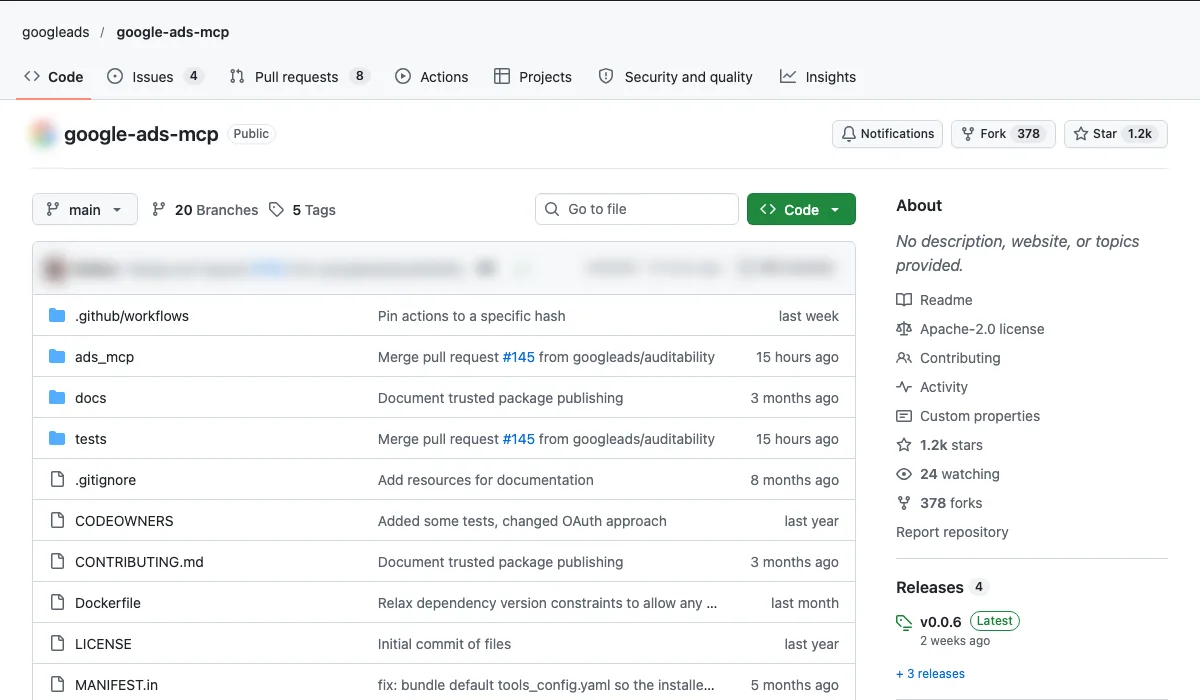
- What it is: Google's official MCP server for Google Ads.
- Use case: Ask AI where you're wasting spend and get a list back.
- How to start: Read-only access first. Never let AI change bids or budgets without approval.
Setup, step by step
- Install pipx (the README's Python setup step).
- In a Google Cloud project, enable the Google Ads API.
- Set up credentials with the
https://www.googleapis.com/auth/adwordsscope, using one of the three options in the README: the FastMCP OAuth proxy, Application Default Credentials, or an existinggoogle-ads.yamlfile. - For a read-only server, set
labels: falseandassets: falseintools_config.yaml. Write tools also use a propose and confirm step, so nothing changes without approval. - Add the server to your MCP client (Claude Code, Cursor, VS Code and others) with the
mcpServersconfig in the README, then ask "what customers do I have access to?"
Copy-paste first prompt
For customer ID [1234567890], last 30 days: list the 20 search terms with the highest cost and zero conversions. Show campaign, ad group, match type, clicks and cost. Group them into themes and suggest negative keywords for me to review. Read only. Do not propose or make any change in the account.
Google Meridian (Google, 1,606 stars)
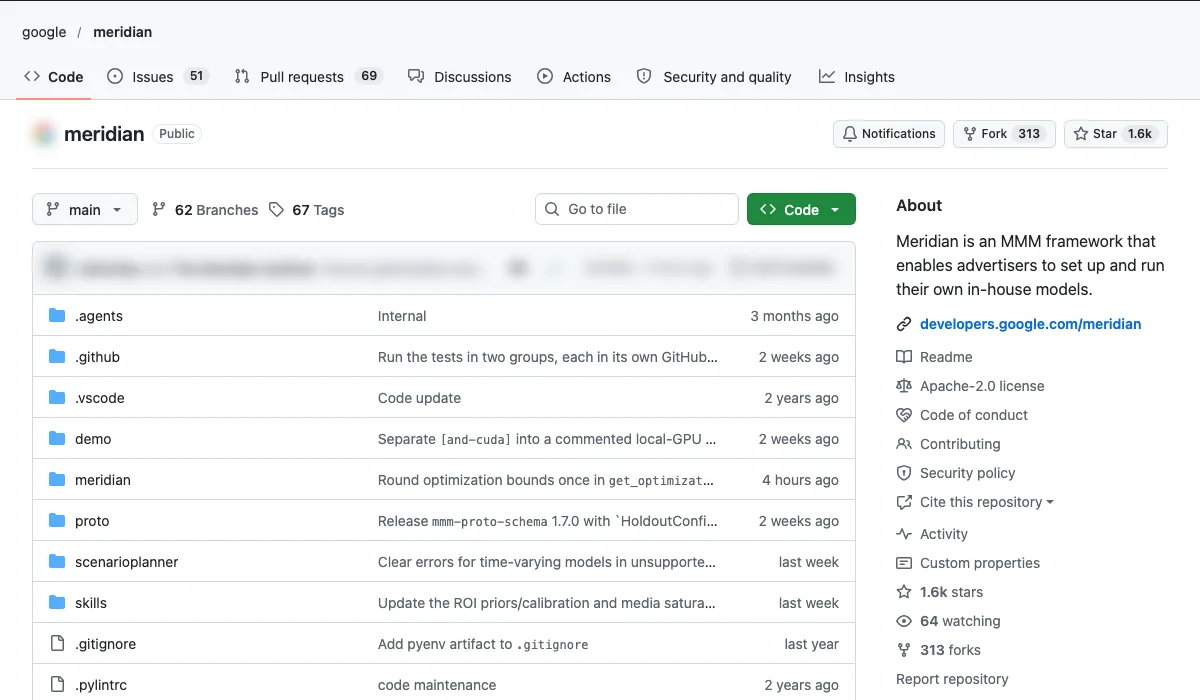
- What it is: Google's marketing mix modelling framework.
- Use case: Work out which channels actually drive sales before you set next quarter's budget.
- How to start: You need at least a year of weekly spend and sales data.
Setup, step by step
- You need Python 3.11 to 3.13. Google recommends at least one GPU and tested it on a T4 GPU with 16 GB of RAM. There is no official GPU support on macOS.
- No-install way to try it: run the Getting Started Colab with sample data in your browser.
- Locally, create a fresh virtual environment, then
pip install --upgrade google-meridian(CPU or Mac), orpip install --upgrade google-meridian[and-cuda]on Linux with a CUDA GPU. - Prepare your data with the pre-modelling guide in the Meridian docs before you fit a model.
Copy-paste first prompt
Here is my weekly data for the last [104] weeks: date, spend per channel (Google Ads, Meta, email, other) and revenue. Before I run Meridian, check it. List missing or zero weeks, sudden jumps and columns that look mislabelled. Then list factors I should add as controls, such as price changes, promotions and seasonality. Do not model anything yet.
Which open-source tools help with Meta Ads?
Short answer: Robyn to measure Meta Ads properly, Meta Ads MCP to review campaigns with AI.
Robyn (Meta, 1,536 stars)
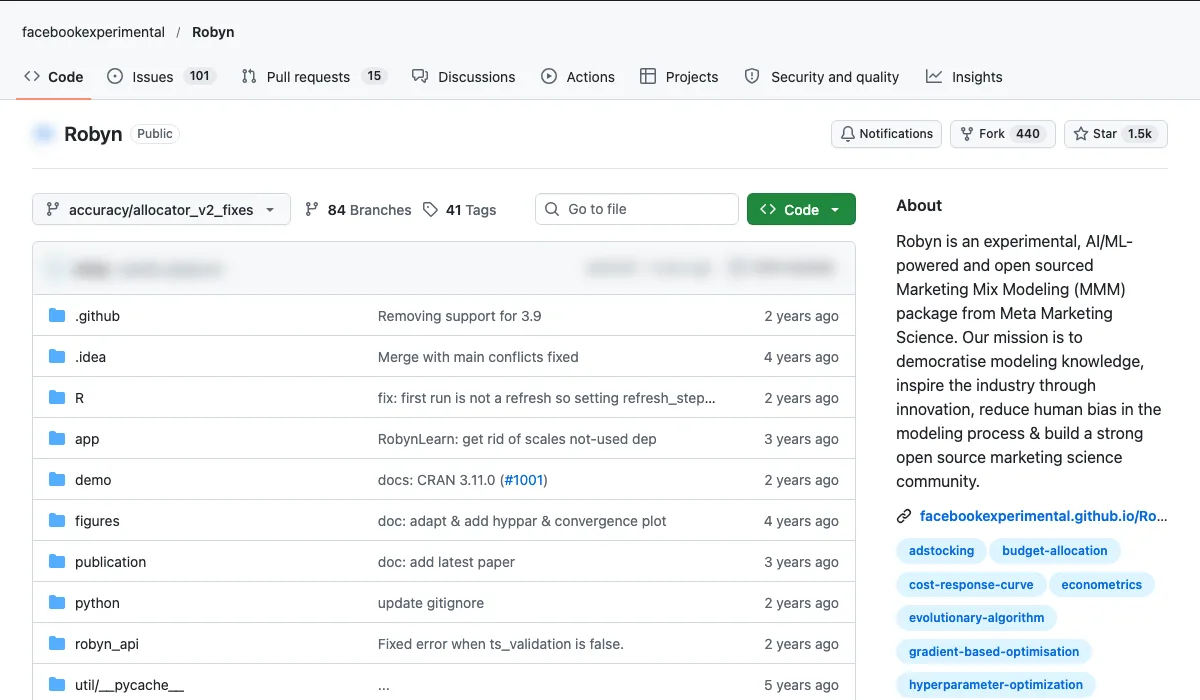
- What it is: Meta's open-source marketing mix model.
- Use case: See Meta's real contribution next to Google, email and organic.
- How to start: Same data needs as Meridian; run both and compare.
Setup, step by step
- You need R. Install from CRAN with
install.packages("Robyn"), or the dev version withremotes::install_github("facebookexperimental/Robyn/R"). - Robyn also needs the Python library Nevergrad. If you hit Python errors, follow the step-by-step guide in
demo/demo.R. - Run
demo.Ron the simulated dataset that ships with the package before you load your own data. - A Python API exists in beta, but it still needs the R package installed first.
- Meta calls Robyn experimental. The README links Meta's Blueprint course on marketing mix models.
Copy-paste first prompt
I have run Robyn on [period] of weekly data. Here are the model outputs. Explain them in plain English for a non-technical director: each channel's share of sales, its return on spend, and where the model is least certain. Flag any result that looks implausible. Do not recommend budget moves yet. List what we should test first to confirm the results.
Meta Ads MCP (Pipeboard (third party), 1,376 stars)
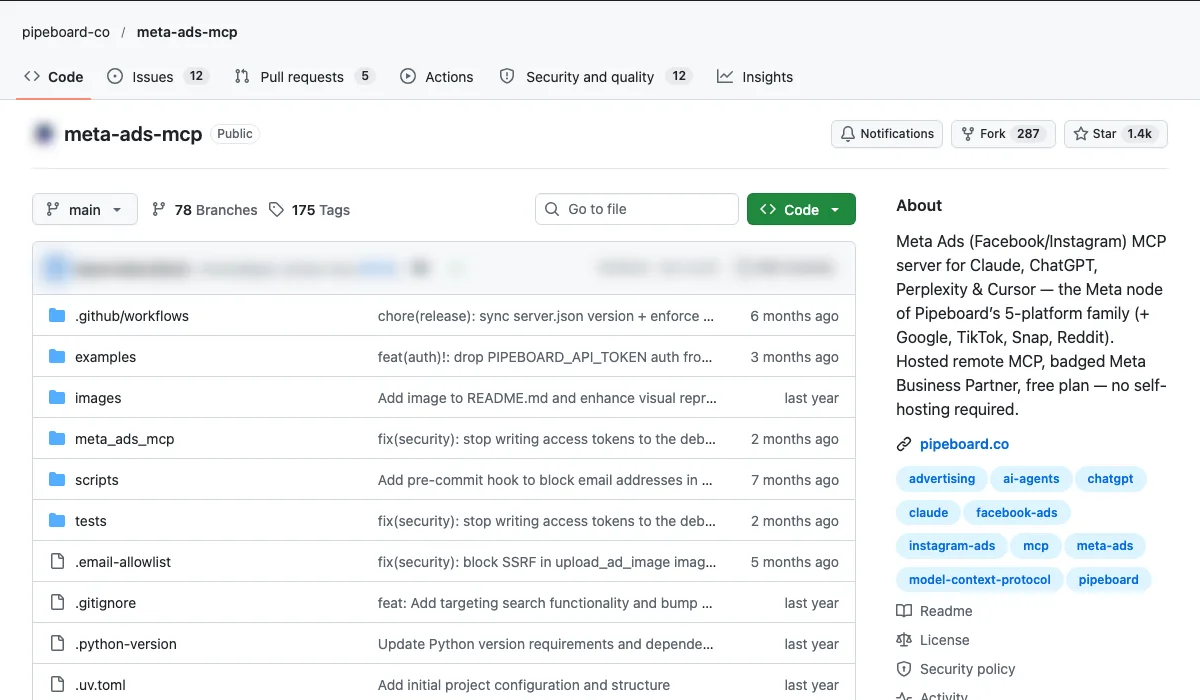
- What it is: A third-party MCP server by Pipeboard (not Meta's own) for the Meta Marketing API.
- Use case: Let Claude or ChatGPT review creatives and flag losing ads.
- How to start: Read-only first; approve every change yourself.
Setup, step by step
- Know what it is: a third-party server by Pipeboard, not Meta's own. It uses Meta's public APIs.
- Hosted route, no install (the README's recommended option): in Claude, go to Settings, Integrations, add an integration and enter
https://meta-ads.mcp.pipeboard.co/. This needs Claude Pro or Max. - Click Connect, log in to Pipeboard and connect your Facebook Ads account.
- Cursor and other MCP clients use the same URL. Local install is for advanced users and needs your own Meta Developer App.
- The README says every write asks for explicit confirmation and new campaigns start paused. Still, start with read-only questions.
Copy-paste first prompt
Using my Meta ad account [name], last 30 days: rank active ads by cost per result. Flag the bottom five and, for each, say whether the creative, the audience or the landing page looks like the likely problem, with the numbers behind it. Read only. Do not pause, edit or create anything.
How do you reverse-engineer a competitor with AI?
Short answer: Crawl their site, walk their funnel, then have AI write the report. Only collect public information and respect each site's terms.
Firecrawl (Firecrawl, 202,427 stars)
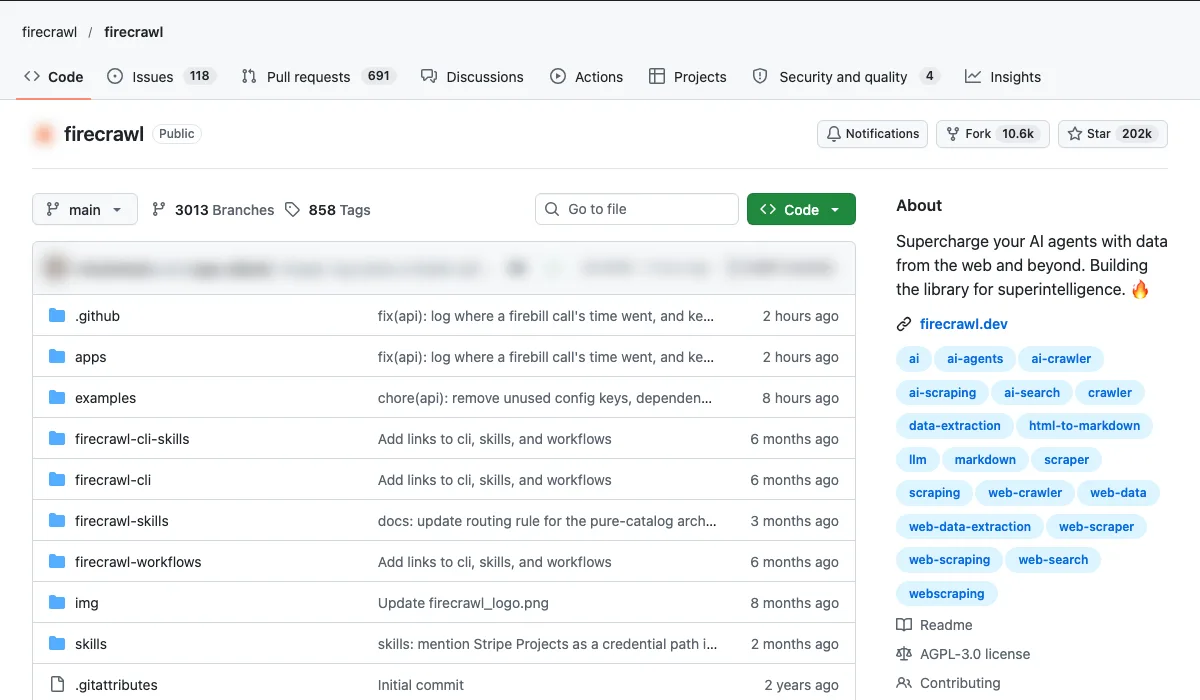
- What it is: Turns websites into clean data for AI.
- Use case: Pull a competitor's service pages, offers and pricing into one sheet.
- How to start: Start with their sitemap.
Setup, step by step
- Hosted route: sign up at firecrawl.dev for an API key and test in the playground. No install needed.
- For Claude Code and other agents, add the skill and CLI with
npx -y firecrawl-cli@latest init --all --browser, then restart your agent. Or add thefirecrawl-mcpserver with yourFIRECRAWL_API_KEY. - For scripts:
pip install firecrawl, or use the Node.js, Go, Java or Elixir SDKs. - Start with Map to list a site's URLs, then Scrape only the pages you need.
- Self-hosting is possible with the self-hosting guide. Some cloud features, such as Alexandria, are not in the self-hosted server.
Copy-paste first prompt
Use Firecrawl to map https://[competitor].com and find their service, pricing and offer pages. Scrape only those pages. Put the results in a table: service, price (or "not listed"), offer, guarantee, call to action and URL. Public pages only. Respect robots.txt and do not log in anywhere.
Browser Use (Browser Use, 121,260 stars)
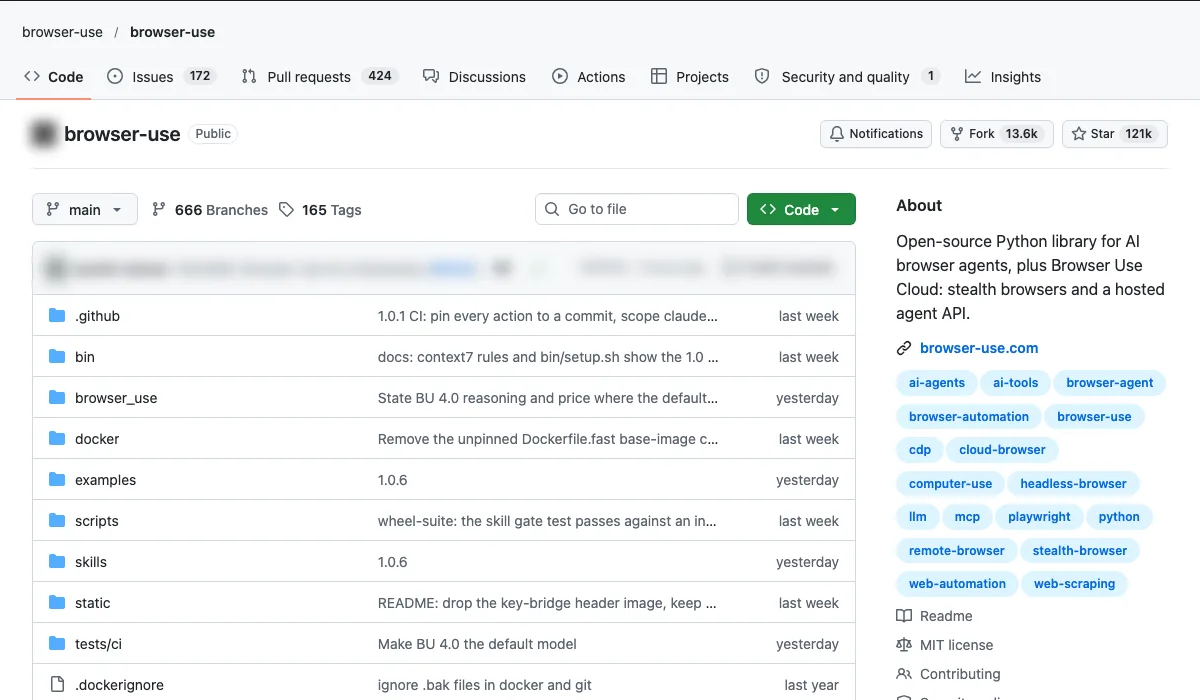
- What it is: AI agents that use a browser like a person.
- Use case: Walk through a competitor's sign-up or quote funnel and record each step.
- How to start: Give it one clear goal per run.
Setup, step by step
- Hosted route: Browser Use Cloud runs the agent and the browser for you. Get an API key at cloud.browser-use.com.
- CLI route:
uv tool install browser-use==1.0.6, thenbrowser-use skill installto register it with your agent.browser-use --doctorhelps if setup fails. - Python route: Python 3.11 or newer, then
pip install 'browser-use==1.0.6'in a virtual environment. SetBROWSER_USE_API_KEY, or use your own OpenAI, Anthropic or Google key with a local Chromium. - Pin the exact version, as the README advises. Releases move fast and can break things.
- Use
allowed_domainsto keep the agent on the one site you are studying.
Copy-paste first prompt
Go to https://[competitor].com and start their quote or sign-up form as a new visitor. Record each step: page URL, the fields asked for, any offer or price shown, and the call to action. Stop before you submit anything. Do not enter real personal data and do not log in.
Crawl4AI (Community (unclecode), 87,464 stars)
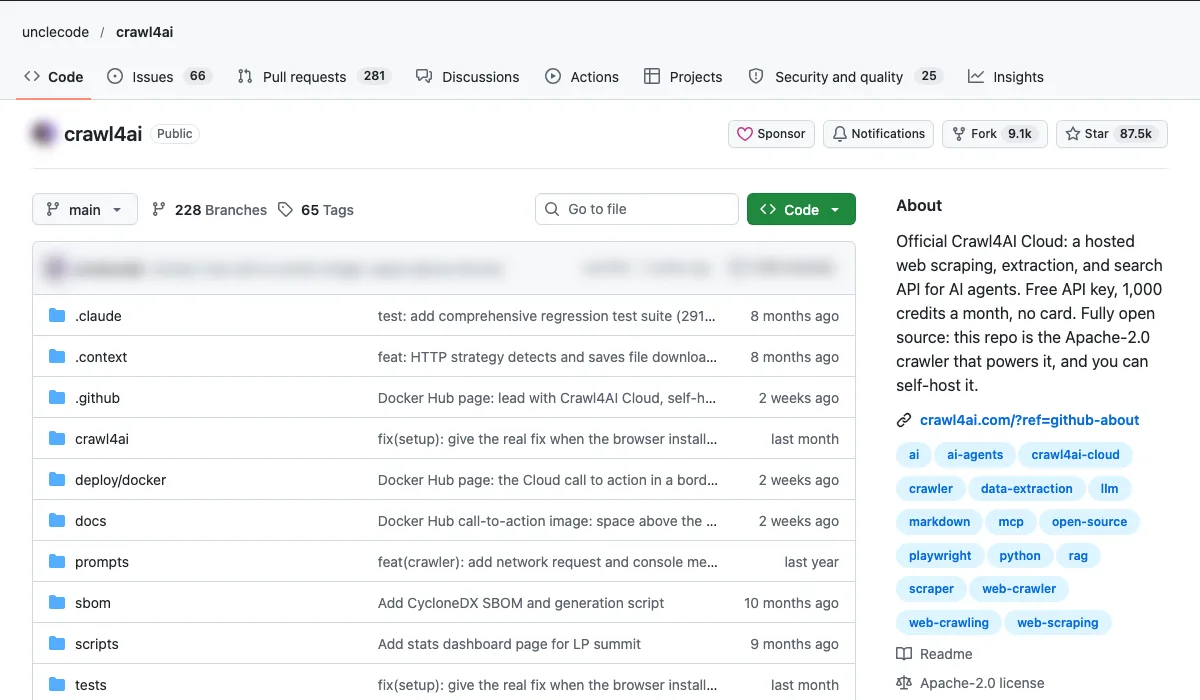
- What it is: An open-source crawler built for AI.
- Use case: Map a competitor's full site structure and content gaps.
- How to start: Crawl, then ask Claude to compare it with your own site.
Setup, step by step
- Hosted route: Crawl4AI Cloud gives 1,000 free credits a month with no card. Claude Code can connect to its hosted MCP server with the
claude mcp addcommand in the README. - Self-run:
pip install -U crawl4ai, thencrawl4ai-setupto install the browser andcrawl4ai-doctorto check it. - Or run the Docker server
unclecode/crawl4ai:latest. It needs a token you set asCRAWL4AI_API_TOKEN. - Quick test from the command line:
crwl https://[competitor].com --deep-crawl bfs --max-pages 10. - Questions about a page need an LLM key, which you set with
crwl config.
Copy-paste first prompt
Here are two Crawl4AI crawls in Markdown: [competitor] and my own site. Build a site map for each: sections, page types and page count. Then list the topics and services they cover that I do not, ranked by how many pages they give each one. Use only what is in the crawl files.
GPT Researcher (Community (assafelovic), 30,750 stars)
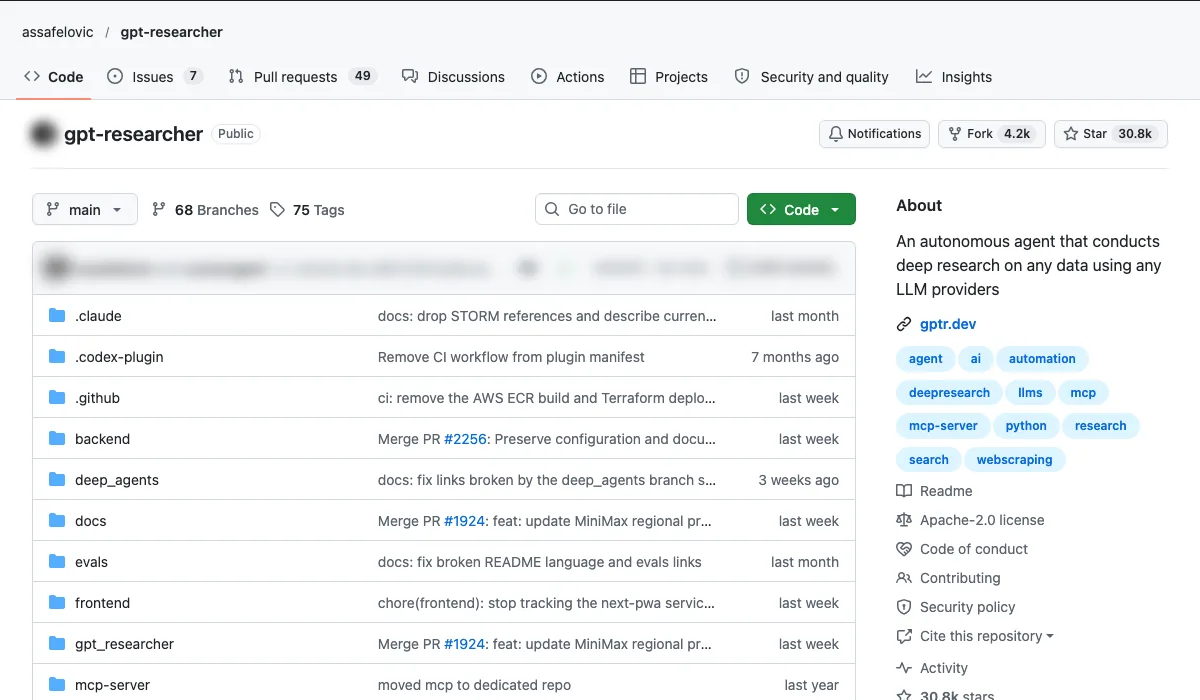
- What it is: An autonomous research agent.
- Use case: A cited research report on a competitor or market in minutes.
- How to start: Ask one specific question per report.
Setup, step by step
- Quickest route for Claude users: add it as a Claude skill with
npx skills add assafelovic/gpt-researcher. - Self-run: you need Python 3.12 or later. Clone the repo and
cd gpt-researcher. - Set
OPENAI_API_KEYandTAVILY_API_KEY, in your shell or a.envfile. - Run
pip install -r requirements.txt, thenpython -m uvicorn main:app --reload, and open http://localhost:8000. - Docker also works (
docker compose up --build, then localhost:3000). To use it in code,pip install gpt-researcher.
Copy-paste first prompt
Research report: how does [competitor] win customers in [market]? Cover services, published pricing, offers, reviews, ad messaging and content topics over the last 12 months. Cite a source for every claim. Mark anything you could not verify. Public sources only.
Which open-source tools help close more sales?
Short answer: n8n for follow-ups, Twenty as the CRM, Listmonk for nurture emails. This is where AI automation pays for itself first.
n8n (n8n, 210,697 stars)
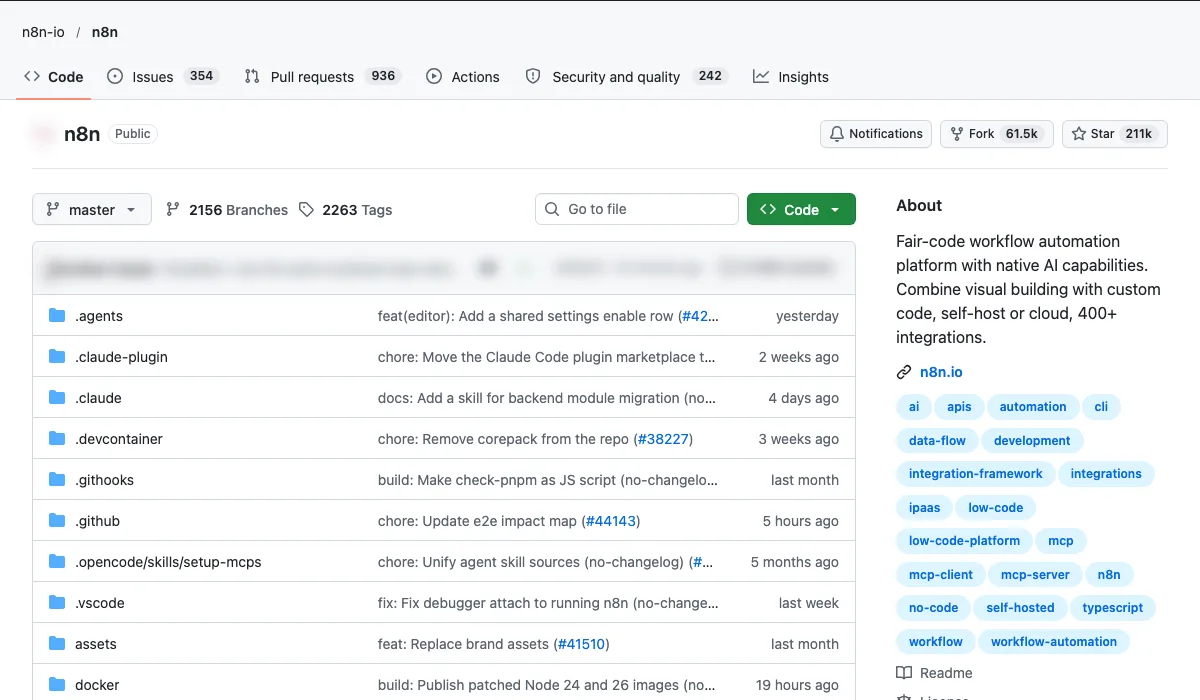
- What it is: Workflow automation with native AI.
- Use case: New lead, then enrich, score, route to the right person and set a follow-up reminder.
- How to start: Automate your single most-missed follow-up first.
Setup, step by step
- Hosted route: n8n Cloud at app.n8n.cloud. No install.
- Self-host with Docker:
curl -fsSL https://get.n8n.io | sh, ordocker volume create n8n_datafollowed by thedocker runcommand in the README. - Open the editor at http://localhost:5678.
- Start from one of the 9,000+ workflow templates rather than a blank canvas.
- Licence note: n8n is fair-code under the Sustainable Use License, not a standard open-source licence.
Copy-paste first prompt
First workflow: when a new lead arrives from the website form, add it to a Google Sheet, send the owner an alert with name, service and budget, and create a reminder to follow up in 24 hours if no reply is logged. Test it with a dummy lead first. Add a manual approval step before any email goes to the lead.
Twenty (Twenty, 61,030 stars)
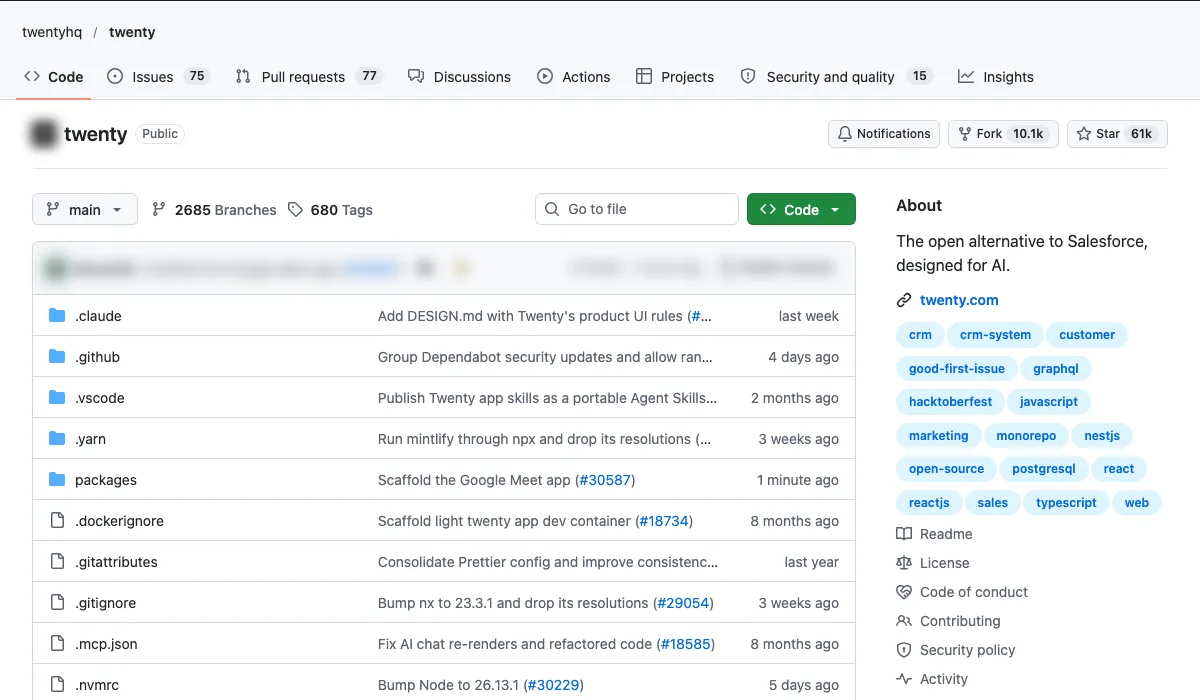
- What it is: An open-source CRM, an alternative to Salesforce.
- Use case: A CRM you own, with no per-seat pricing.
- How to start: Import one pipeline and test it for two weeks.
Setup, step by step
- Hosted route: sign up at twenty.com and create a workspace. No infrastructure to manage.
- Self-host with Docker Compose, following the self-hosting guide at docs.twenty.com.
- Developers can extend it with the Twenty CLI:
npm install -g twenty, thentwenty app init my-app. - Set up one pipeline with your real deal stages before you move anything else.
Copy-paste first prompt
First task: set up one pipeline with the stages New, Qualified, Proposal sent, Won and Lost. Add last month's open deals. Use it every day for two weeks. Then check how many follow-ups were missed and whether anyone needed a field you do not have yet.
Listmonk (Community (knadh), 24,348 stars)
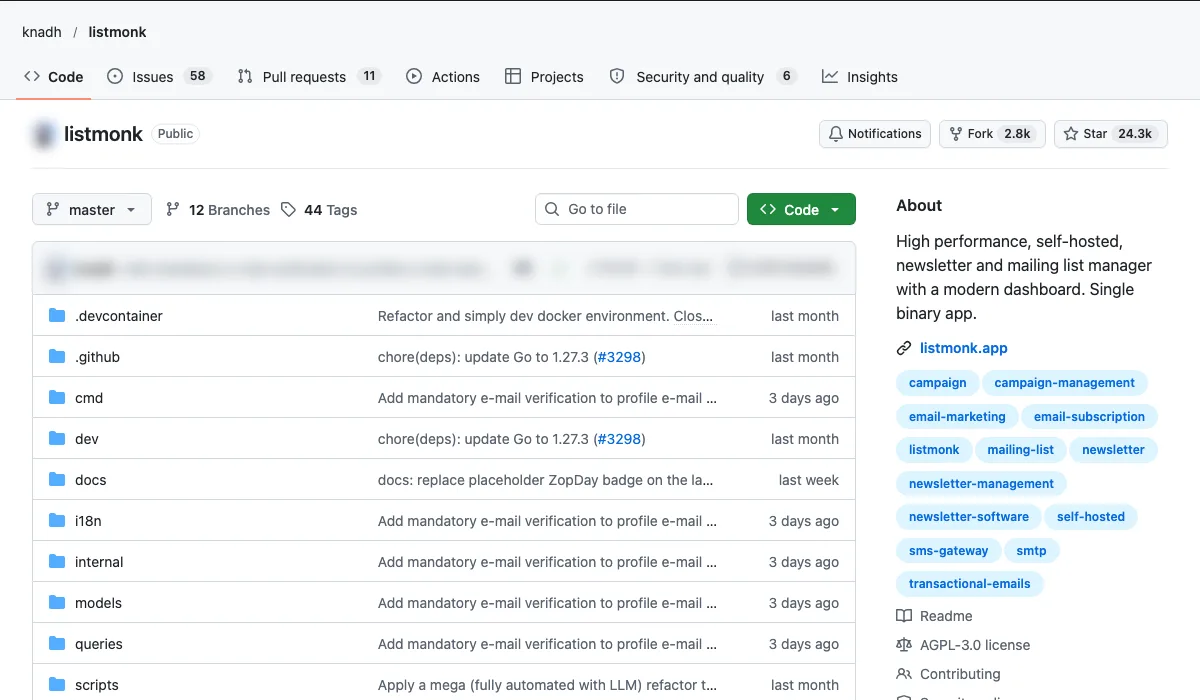
- What it is: A self-hosted newsletter and mailing list manager.
- Use case: Nurture emails to leads at a fraction of the usual email tool costs.
- How to start: Move one newsletter first and check deliverability.
Setup, step by step
- Try the live demo at demo.listmonk.app first.
- Docker route:
curl -LO https://github.com/knadh/listmonk/raw/master/docker-compose.yml, thendocker compose up -d. Open http://localhost:9000. - Binary route: download the latest release, run
./listmonk --new-config, editconfig.toml, run./listmonk --install, then./listmonk. - It stores data in PostgreSQL. The sample compose file sets one up with default passwords, so change them before you go live.
- Licence: AGPL v3.
Copy-paste first prompt
Write a three-email nurture sequence for leads who asked for a quote but did not book. Email 1, day 2: answer the top three objections. Email 2, day 5: a short customer example, left as a placeholder for me to fill with a real one. Email 3, day 10: a simple yes or no question. Plain text, under 120 words each, with an unsubscribe line. I will load them into Listmonk myself.
Which open-source tools help grow revenue?
Short answer: Metabase to see revenue, PostHog to see where buyers drop off, GrowthBook to test fixes.
Metabase (Metabase, 50,373 stars)
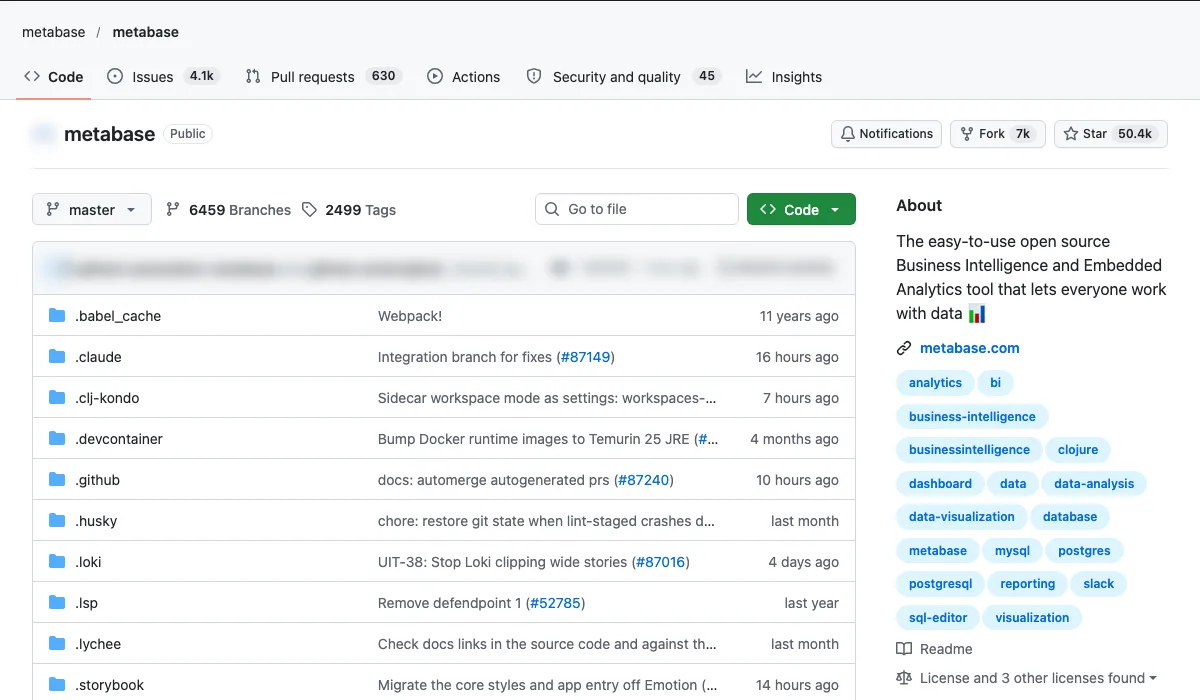
- What it is: Open-source business intelligence.
- Use case: One revenue dashboard leadership actually reads.
- How to start: Connect your sales database and build three charts only.
Setup, step by step
- Hosted route: start a free trial of Metabase Cloud.
- Self-host with Docker:
docker run -d -p 3000:3000 --name metabase metabase/metabase, then open http://localhost:3000. - Without Docker, run the Metabase JAR file. It needs Java.
- Connect your sales database with a read-only database user.
- Build questions without SQL, or use the SQL editor for harder ones.
Copy-paste first prompt
Build three questions only and put them on one dashboard: revenue by month for the last 12 months, revenue by lead source this quarter versus last quarter, and the 10 largest open deals with their age in days. Add a date range filter. Share the dashboard with leadership as view only.
PostHog (PostHog, 40,834 stars)
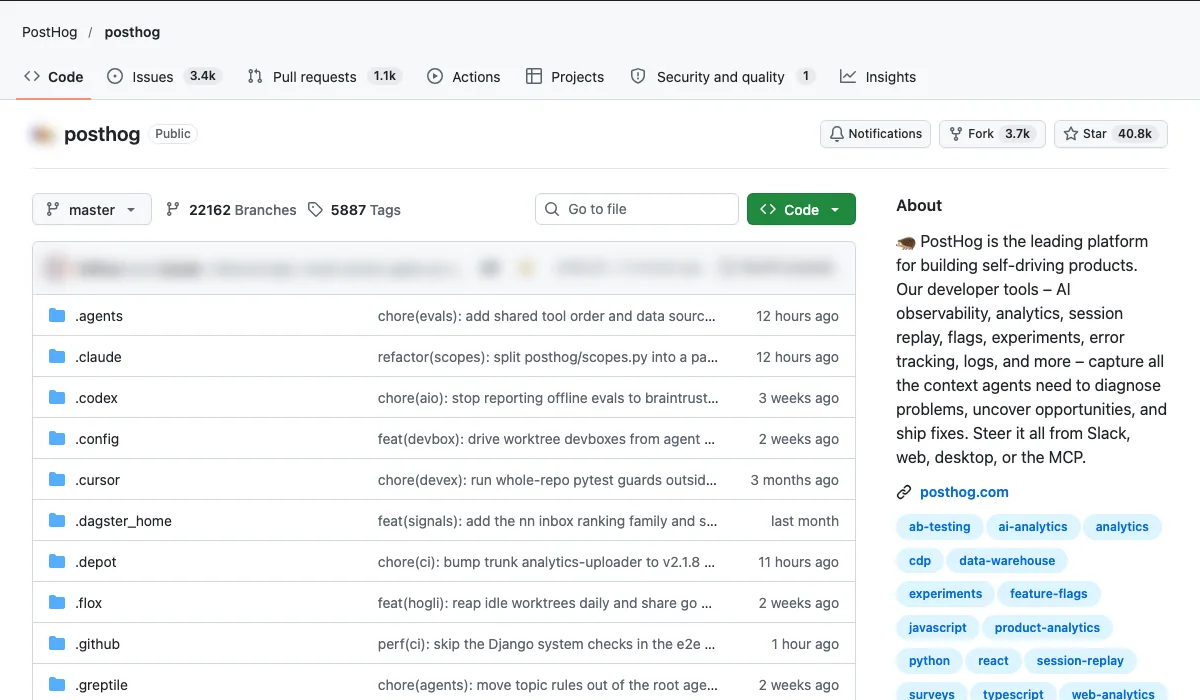
- What it is: Product and web analytics.
- Use case: Find the exact step where buyers drop off before paying.
- How to start: Track your checkout or enquiry funnel first.
Setup, step by step
- Hosted route (recommended in the README): sign up free to PostHog Cloud, US or EU. It has a monthly free allowance.
- Self-host route: a one-line hobby deploy on Linux with Docker (about 4GB of memory). It suits about 100k events a month and has no support.
- Add PostHog to your site with the setup wizard,
npx -y @posthog/wizard@latest, or paste the JavaScript snippet. - Track your enquiry or checkout funnel first.
Copy-paste first prompt
Create a funnel for the last 30 days: landing page view, pricing page view, enquiry form started, form submitted. Show the conversion rate between each step. Then pick 10 session recordings of visitors who dropped at the worst step and summarise what they did before they left. Do not change any site code.
GrowthBook (GrowthBook, 8,603 stars)
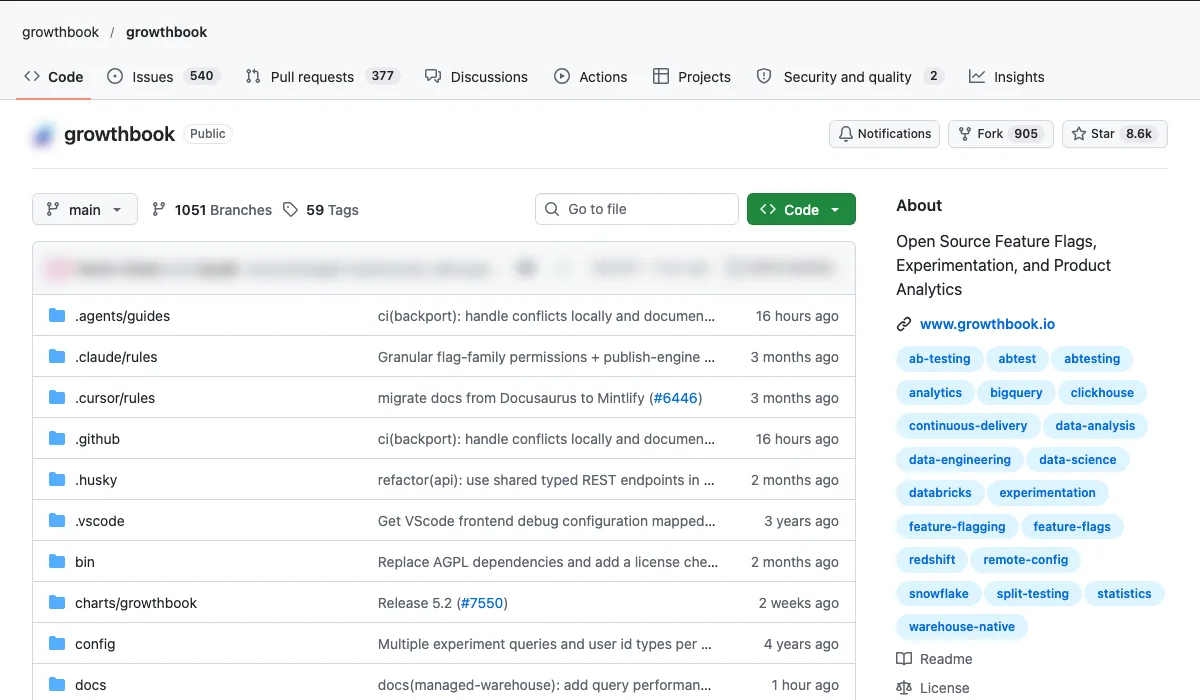
- What it is: Feature flags and A/B testing.
- Use case: Test pricing pages and landing-page headlines.
- How to start: One test at a time, run until it's statistically significant.
Setup, step by step
- Hosted route: create a free GrowthBook Cloud account at app.growthbook.io.
- Self-host:
git clone https://github.com/growthbook/growthbook.git,cd growthbook,docker compose up -d, then open http://localhost:3000. - Connect a data source (it lists 11, including BigQuery, Snowflake and Databricks) and define your conversion metric.
- Add one of its SDKs, such as React or Python, to your site.
- Most of the code is MIT. Some directories use a separate commercial enterprise licence.
Copy-paste first prompt
Set up one experiment: landing page headline A (current) versus B ([new headline]), split 50/50. Primary metric: enquiry form submissions. Guardrail metric: bounce rate. Before it starts, estimate how long it needs to run at our traffic of [X] visitors a week. Do not stop it early.
What is the one rule for using these tools?
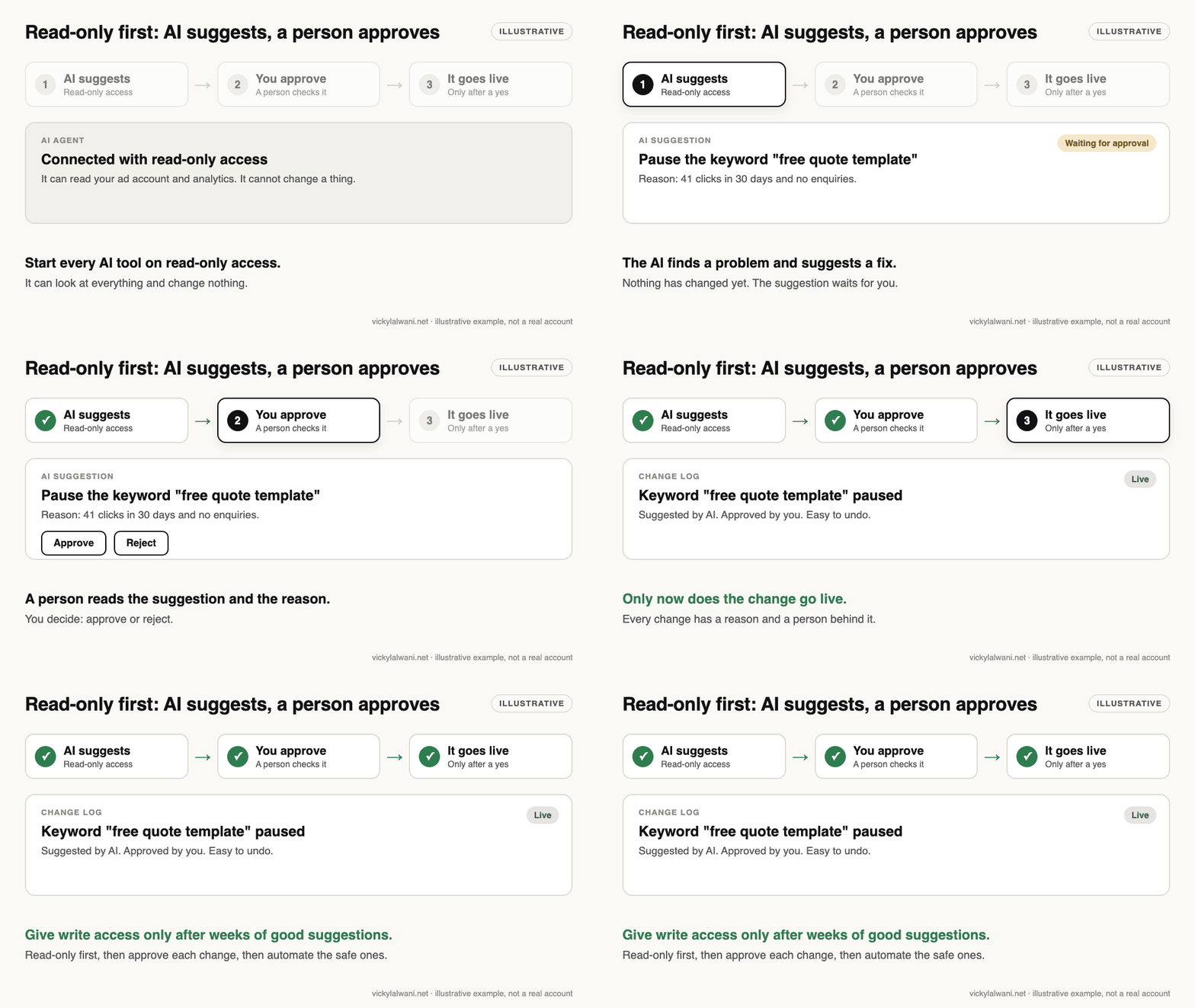
The one rule: AI does the work. You decide what goes live. Give every tool read-only access first, and keep a human approval step before anything touches your ads, budgets, emails or website.
What do people say about these repos on X and Reddit?
Posts and threads checked on 17 November 2026. Reddit replies are opinions, often from people who sell services, so test before you rely on them.
| Where | Date | What it says |
|---|---|---|
| Anthropic, X | 16 Oct 2025 | Anthropic points developers to its engineering blog post on Agent Skills, describing them as folders of instructions, scripts and resources that extend what Claude can do. |
| Anthropic, X | 27 Oct 2025 | Anthropic expands Claude for Financial Services with an Excel add-in, live market data connectors and ready-made Agent Skills such as cash flow models. |
| OpenAI Developers, X | 11 Mar 2025 | OpenAI announces the open-source Agents SDK for multi-agent workflows, the successor to Swarm, with built-in tools, handoffs, guardrails and execution traces. |
| OpenAI Developers, X | 16 Apr 2025 | OpenAI introduces Codex CLI, an open-source coding agent that runs locally and turns plain-language requests into working code. |
| Google Analytics, X | 8 Jan 2026 | Google Analytics reminds users that its open-source MCP server connects GA data to models like Gemini so people can ask questions of their analytics. |
| r/PPC | 19 Sept 2026 | A paid search practitioner says API, guardrail and account-context setup is painful but daily work becomes easy afterwards; replies split between spend-anomaly checks and people who find it poor at account management without strategy context. |
| r/googleads | 29 May 2026 | Replies agree the data source (Keyword Planner, DataForSEO and similar) matters more than which MCP server you pick, and note Google Ads API access is needed first. |
| r/googleads | 25 Apr 2026 | A small-business site manager from IT is surprised the official Google Ads MCP server was read-only and tooling is thin; replies say most accounts are still run by hand or with Ads Editor. |
| r/n8n | 4 Nov 2025 | A marketing agency moves its internal automations from Zapier to self-hosted n8n on a cheap server and asks about failure rates and Community Edition licence limits on reselling to clients. |
| r/PPC | 30 Sept 2026 | The poster rates Claude's campaign analysis above Gemini's; replies recommend testing models on deliberately inconsistent data and keeping a fixed analysis process. |
Which videos show these tools in action?
6 videos, each confirmed on YouTube on 17 November 2026.
Introducing the Google Ads MCP Server, from Google Advertising and Measurement Developers. Google's own developer channel introducing the open-source Google Ads MCP server (googleads/google-ads-mcp). Vendor.
Build Hour: Agents SDK, from OpenAI. OpenAI's own walkthrough of the Agents SDK, the newest of the official videos (May 2026). Vendor.
| Video | From |
|---|---|
| Creating custom Skills with Claude | Anthropic |
| Introducing the Google Ads MCP Server | Google Advertising and Measurement Developers |
| Build Hour: Agents SDK | OpenAI |
| Introducing the Google Analytics MCP Server | Google Analytics |
| Introducing the Codex app | OpenAI |
| Google Meridian | Demo of Meridian | Google Analytics |
Sources
| Source | What it supports | Read |
|---|---|---|
| GitHub repo pages | Star counts, as of November 2026 | 17 Nov 2026 |
| Anthropic Skills README or docs | Setup steps for Anthropic Skills | 17 Nov 2026 |
| Claude Code README or docs | Setup steps for Claude Code | 17 Nov 2026 |
| Claude Skills README or docs | Setup steps for Claude Skills | 17 Nov 2026 |
| Codex README or docs | Setup steps for Codex | 17 Nov 2026 |
| OpenAI Cookbook README or docs | Setup steps for OpenAI Cookbook | 17 Nov 2026 |
| OpenAI Agents SDK README or docs | Setup steps for OpenAI Agents SDK | 17 Nov 2026 |
| LangChain README or docs | Setup steps for LangChain | 17 Nov 2026 |
| LangGraph README or docs | Setup steps for LangGraph | 17 Nov 2026 |
| Grok-1 README or docs | Setup steps for Grok-1 | 17 Nov 2026 |
| Grok Prompts README or docs | Setup steps for Grok Prompts | 17 Nov 2026 |
| Open Lovable README or docs | Setup steps for Open Lovable | 17 Nov 2026 |
| Vercel AI SDK README or docs | Setup steps for Vercel AI SDK | 17 Nov 2026 |
| Dyad README or docs | Setup steps for Dyad | 17 Nov 2026 |
| Marketing Skills README or docs | Setup steps for Marketing Skills | 17 Nov 2026 |
| Claude SEO README or docs | Setup steps for Claude SEO | 17 Nov 2026 |
| Google Analytics MCP README or docs | Setup steps for Google Analytics MCP | 17 Nov 2026 |
| Google Meridian README or docs | Setup steps for Google Meridian | 17 Nov 2026 |
| Google Ads MCP README or docs | Setup steps for Google Ads MCP | 17 Nov 2026 |
| Robyn README or docs | Setup steps for Robyn | 17 Nov 2026 |
| Meta Ads MCP README or docs | Setup steps for Meta Ads MCP | 17 Nov 2026 |
| Firecrawl README or docs | Setup steps for Firecrawl | 17 Nov 2026 |
| Browser Use README or docs | Setup steps for Browser Use | 17 Nov 2026 |
| Crawl4AI README or docs | Setup steps for Crawl4AI | 17 Nov 2026 |
| GPT Researcher README or docs | Setup steps for GPT Researcher | 17 Nov 2026 |
| n8n README or docs | Setup steps for n8n | 17 Nov 2026 |
| Twenty README or docs | Setup steps for Twenty | 17 Nov 2026 |
| Listmonk README or docs | Setup steps for Listmonk | 17 Nov 2026 |
| Metabase README or docs | Setup steps for Metabase | 17 Nov 2026 |
| PostHog README or docs | Setup steps for PostHog | 17 Nov 2026 |
| GrowthBook README or docs | Setup steps for GrowthBook | 17 Nov 2026 |
Get the full setup guide
Want the step-by-step setup, with prompts for each repo? Get the free guide.
FAQ
Are these GitHub repos free?
Yes, they're all free to use and the code is public. Most are open source; n8n is fair-code under its own Sustainable Use License, so read the licence before reselling it to clients. Some, like Firecrawl, PostHog and n8n, also offer paid cloud versions if you don't want to host them yourself.
Do I need to code to use them?
Not for most of them. Skills, MCP servers and tools like Dyad only need setup, not coding. Claude Code or Codex can handle the technical steps for you.
Are they safe to connect to my ad accounts?
Start with read-only access, use official connectors where they exist (Google's Ads and Analytics MCP servers), and never let AI change budgets or bids without your approval.
What does the star count mean?
It's how many GitHub users have bookmarked the repo. It's a good signal of popularity, not a guarantee of quality, so always test before you rely on a tool.
Is it legal to reverse-engineer competitors?
Collecting publicly available information for research is common practice, but respect each site's terms of service and robots.txt, and never copy designs or content.