Missing conversions in ad platforms make healthy campaigns look weak. When real sales and leads never reach Google or Meta, smart bidding optimises on partial data, so good campaigns get paused and poor ones get scaled. Fix the measurement layer first, before touching budgets, creative or bids.
When performance drops, most teams reach for the usual suspects: creative fatigue, higher CPMs or market saturation. Sometimes they are right. But in many accounts I have audited across ecommerce, services and lead generation, the real problem is visibility. Missing conversions in ad platforms are far more common than people expect, and they quietly distort every decision.
In several audits a meaningful share of real conversions never reached the ad platform. Offline events fired late or not at all. Server-side tracking existed but had never been validated.
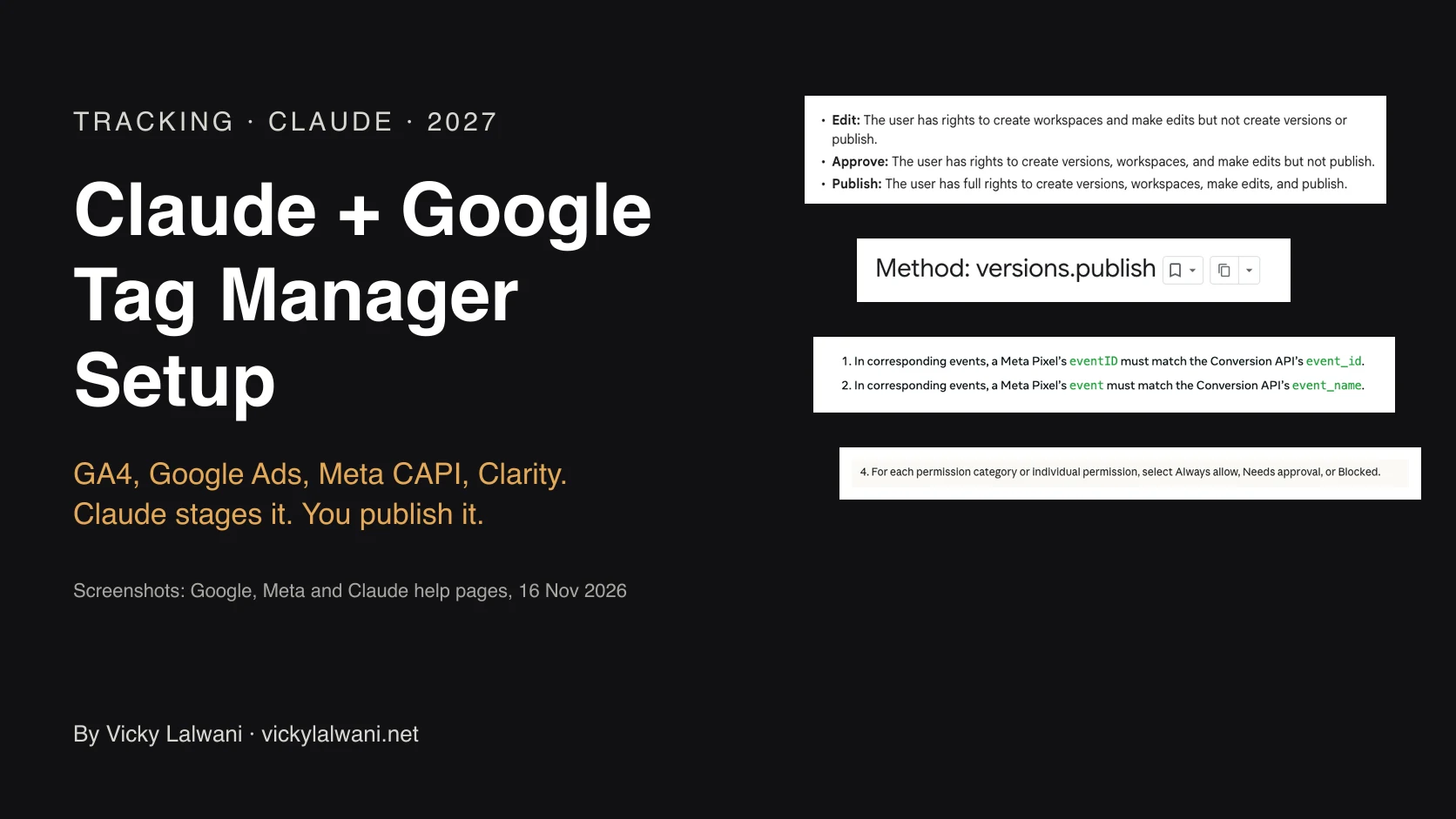
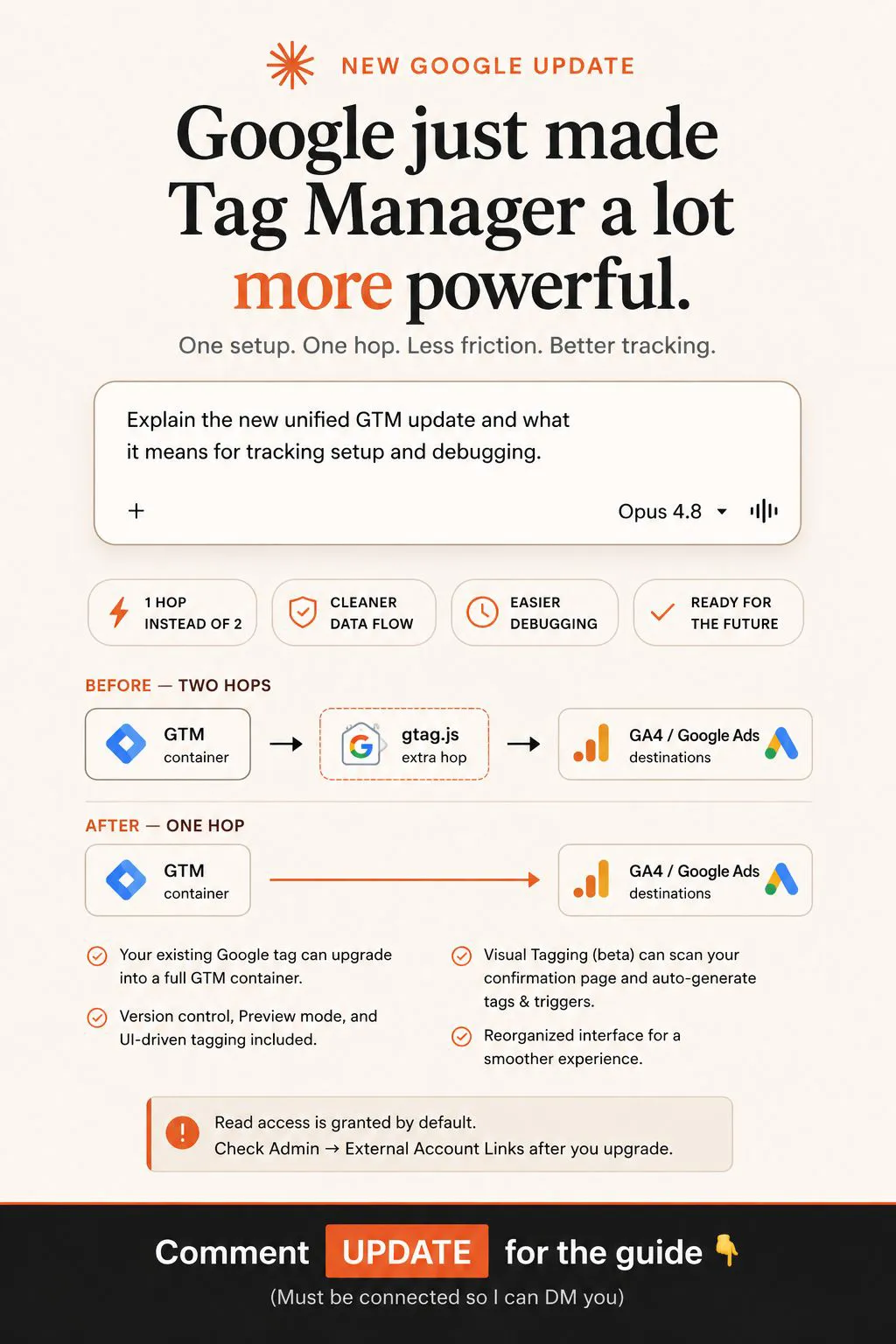
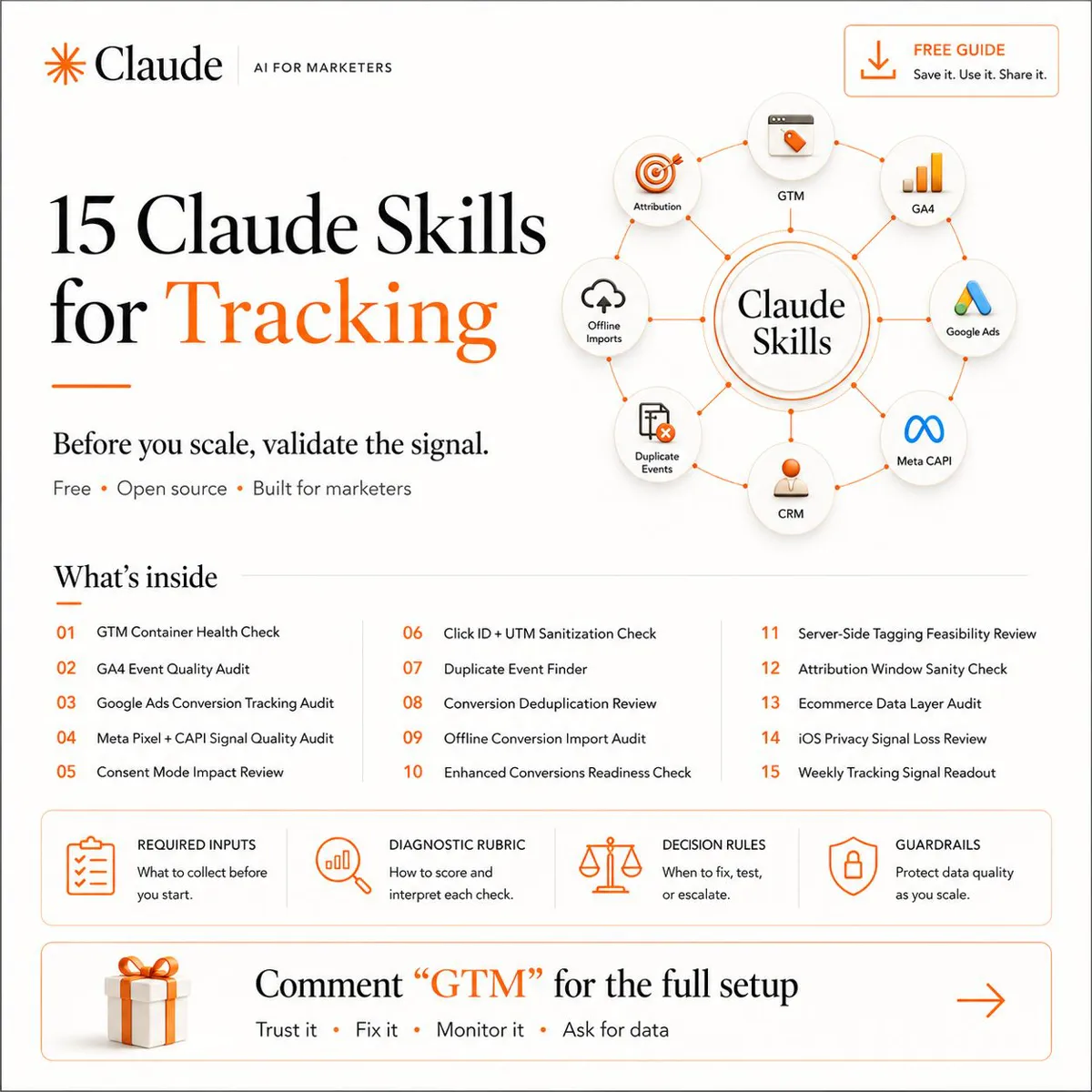
New: offline conversions showing up in Google Ads and then disappearing, or never matching the CRM? There is a new section on that below. Setting tracking up from scratch instead? Claude Google Tag Manager setup covers the full stack, from the dataLayer spec to the review checklist.
New: if Performance Max is counting junk leads, Performance Max for lead generation in the USA shows how to bid on qualified leads and send them back from your CRM.
Why missing conversions in ad platforms cause bad decisions
The outcome is dangerous. Good campaigns look weak, so they are paused. Weak campaigns that happen to be well tracked look strong, so they are scaled. Budgets move based on partial data, and smart bidding makes confident decisions on an incomplete picture.
Platform algorithms do not know what they cannot see. If a sale happened over the phone, in store or after a long delay, and was never sent back, the system treats that click as worthless. Over time it learns to avoid the very audiences that bring you real customers.
A short audit of your signal layer
- Reconcile totals. Compare platform conversions against CRM, order or call records for the same dates. Note the gap by source.
- Check offline conversions. Confirm that phone sales, in-person sales and CRM stages are sent back, and how long the delay is.
- Validate server-side events. Compare event IDs, check for duplicates and confirm that values and currency match the real transaction.
- Review consent handling. Make sure consent settings are not dropping more events than necessary, within your legal requirements.
- Check conversion definitions. Are you optimising for a button click when you should be optimising for a qualified lead or a sale?
Fix measurement before changing budgets
The temptation is to adjust bids, refresh creative or restructure campaigns. Resist it until the signal layer is trusted. Otherwise you will not know whether a change helped or whether the data simply moved. Real performance work starts not inside the ads, but inside measurement.
Prioritise the fixes that carry the most revenue first. Usually that means sending qualified lead or sale events from your CRM, then validating the server-side setup, then tidying conversion definitions.
Signs of a measurement gap
- Platform conversions are far below what your CRM or sales team reports.
- Cost per result swings widely after a tracking change.
- Phone and in-person sales never appear in the ad account.
- Different platforms each claim credit for the same sale.
Any one of these is a reason to check your setup before you change spend. Together they usually mean the account is being steered by an incomplete picture, and no amount of creative testing will repair that.
If you manage several platforms, build one simple source of truth outside them, such as a sheet or dashboard that pulls from your CRM. Platform numbers then become something you compare against it rather than the final word. That habit alone catches most tracking failures weeks earlier than waiting for a quarterly review would.
Offline conversions that show up, then disappear or never match
This was a live problem in r/PPC this week: imported offline conversions that appear in Google Ads and then drop out, reporting delays on imports, and totals that never match the CRM. r/googleads had a thread on conversions vanishing after being counted, and another on why some GCLIDs count and others do not. Google documents most of the causes. The table below is built from Google Ads Help (Fix discrepancies and errors in offline conversion imports, Data discrepancies and About conversion adjustments), checked on 16 November 2026.
| Cause | What Google says | What to check |
|---|---|---|
| Reported by click date, not upload date | Attributed conversions appear in reporting by their impression or click time, not the day you uploaded them. | Widen the date range back to the click. Add the "Conversions (by conv. time)" column. Compare with your CRM by click date, not upload date. |
| Processing delay | Processing typically takes less than 12 hours, and up to 72 hours for conversions keyed on GBRAID or WBRAID. Clicks less than 6 hours old cannot be imported yet. Conversion data can take up to 7 days to fully appear in reports. | Do not call a gap until the import is several days old. Retry rows that failed because the click was too recent. |
| Invalid or spam filtering | Uploaded conversions go through filtering, and any deemed invalid or spam are discarded. Some are removed after they were first reported, which can look like a small drop over time. | This is one documented reason a conversion appears and later disappears with nothing changed on your side. Compare totals over a longer window, not day by day. |
| Retractions | A retraction permanently removes a conversion and sets its value to 0. A retracted conversion cannot be adjusted again, and later attempts are ignored without an error. | Check whether any connector, script or CRM rule sends adjustments, for example when a deal is marked lost. |
| Count setting of "One" | Only one conversion per ad interaction is reported; the rest are discarded. | Check the conversion action's count setting. Add the "Repeat rate" column on the Conversion summary page. |
| Click too old | Errors occur if the conversion is older than the action's conversion window. Data Manager imports also look back only 14 or 90 days, depending on the data source. | Check the conversion window on the import action and the lookback of your data source, and upload often enough that conversions land inside both. |
| Conversion time before click time | A conversion cannot come before its click. Wrong time zones are a common cause. | Check the time zone in your upload. Google suggests adding one to two days to the conversion time if needed. |
| Few conversions attributed at all | Only some uploaded conversions are expected to be attributed. If very few are, confirm you are capturing user-provided data on your website. | Check the click ID or user data is captured on the form and stored with the lead in the CRM. |
Where to look first
Start with offline data diagnostics. In Google Ads, open the Conversion summary page, find the conversion action that uses offline data, hover over its offline data quality in the status column and click Go to diagnostics. It grades the data as Excellent (at least 90% of events well formed and valid), Good (70% to 90%), Needs attention (under 70%) or No recent data (nothing received in the last 28 days), and shows uploads and errors for the last 7 days or the last 7 jobs. Row level errors sit in Data manager.
- Read the diagnostics status before touching anything else.
- Line up the dates. Pull the same click date range from Google Ads and the CRM, using the by conversion time columns where you need the conversion date.
- Check the action settings: count setting, conversion window and whether it is the primary goal your bidding uses.
- Check what is sending adjustments or retractions, and whether anyone changed the connector recently.
- Check capture at the form. If the GCLID or user data never reaches the CRM, nothing downstream can match it.
If the import is clean and the gap remains, go back to the audit above. A healthy upload of the wrong conversion is still the wrong signal for smart bidding.
Planning your measurement for 2027
For 2027, treat tracking as a recurring check, not a one-off setup. Put a monthly reconciliation on the calendar, assign an owner, and write down what an acceptable gap looks like for your business. Platforms change how they handle privacy and attribution, so check each vendor's current documentation when you review.
If you want an independent look at your setup, my analytics and tracking services cover audits, offline conversion imports and server-side validation. You can also start with the checklists in my free guides.
Platforms optimise on whatever truth you give them. Give them an incomplete version and even smart bidding will make the wrong calls.
Need someone to run this for you? I am a freelance Google Ads consultant for UK businesses, including London, and for Australian businesses.
Keep reading: Conversion Tracking Setup and Technical SEO Audit.
This article expands on my post on LinkedIn ↗.
FAQ
How can I tell if conversions are missing from my ad platform?
Compare platform-reported conversions with your CRM, backend orders or call records for the same period. A consistent gap, especially for offline or delayed conversions, is a sign of missing signal.
Does server-side tracking fix missing conversions?
It can help, but only if it is set up correctly and validated. Server-side events can be duplicated, mismatched or incomplete, so test them against real transactions.
Why does missing data affect bidding so much?
Automated bidding learns from the conversions it sees. If the platform sees only part of your results, it optimises toward the wrong signals and can reduce spend on campaigns that actually perform.
Why do offline conversions show up in Google Ads and then disappear?
Google documents a few reasons. Uploaded conversions are filtered for spam and invalid activity, and some are removed after they were first reported. A retraction removes a conversion permanently. And Google reports imports by click date, so a conversion you look for under its upload date may sit on an earlier day.
How long do imported offline conversions take to show in Google Ads?
Google says processing typically takes less than 12 hours, and up to 72 hours for GBRAID or WBRAID conversions. Clicks less than 6 hours old cannot be imported yet, and conversion data can take up to 7 days to fully appear in reports.
Where do I check whether my offline conversion imports are working?
Use offline data diagnostics, reached from the Conversion summary page by hovering over the offline data quality of the action and clicking Go to diagnostics. Row level errors are in Data manager.